Set Up Your VSD243 Smart Display
54
Connect the Power Cord
1
Connect the included power cord to
the power jack.
2
Connect the other end of the power cord to a power outlet.
2.3 Power on Your Device
1
After connecting the power cord, you can press the power button about
0.5 seconds to power on your device.
2
Once powered-up, the LED indicator will show solid Blue.
3
The unlock display will appear after a short boot-up period. (If the lock
screen function is enabled).
4
Touch and slide the lock icon to unlock the screen if necessary.
5
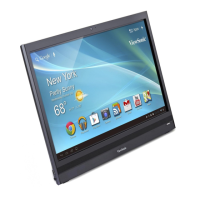
The device is ready for use when the Home screen is displayed.
Press the power button gently to power on your device
Slide up the screen to enter Apps Menu


 To Next Page