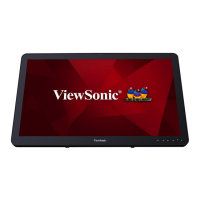
About Your VSD243 Smart Display
98
6 7 8
3
4
2
1
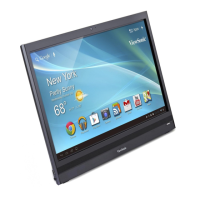
No. Items Descriptions
1
3:11
Date & Time Display the current date and time.
2
Shortcuts
You can add an application shortcut to the
Home screen and move it freely by touching
and holding the App icon. This icon allows
you to open a shortcut item quickly.
3
Apps
Slide screen up to enter App menu page
to view all of the applications installed on
your device.
4
Ethernet/Wi-Fi
The Ethernet / Wi-Fi icon will appear on the
upper right corner of the screen when you
enable the Wi-Fi function.
5
Back Return to the previous screen or option.
6
Home
Press this button to go back to central
Home screen at any time.
7
Recent
Applications
Touch this button to bring a list of the
application images you have accessed
recently. You can touch the listed image to
open the application.
8
Screehshot
Tap this button to capture an image of your
screen.
9
Decrease
Volume button
To adjust the volume
(-) setting on the OSD
menu.
10
Increase
Volume button
To adjust the volume
(+) setting on the OSD
menu.
10
59


 To Next Page