TSGR-21 GAS Release Panel User Manual
Vighnaharta Technologies Pvt. Ltd. Page 33 of 43
4.1.4 SILENCE key
SILENCE key is used to silence the system, that is, whenever the NAC is ON, it can be turned OFF. By
pressing again Silence key will resound all NAC’s.
4.1.5 key: ( Right Key)
Right key is used to move cursor right. Also use to scroll menus.
4.1.6 Reset Key:
RESET key is use to reset and restart the system any time. Basically the zone fire condition is latched in
the system, user can perform required action for this condition. To recover the system from zone fire condition to
zone normal condition, user must reset the System. Also same case is applicable for Manual Release & Abort
action. After reset action, LCD displays as shown below.
4.1.7 Enter Key
Enter key is use to access the new menu also saves configured data, mode or value of the system.
4.1.8 Gas Inhibit:
GAS Inhibit is use to abort the gas release operation at any time.
4.2 Normal Mode Operation
This section explains the system behaviour under different conditions. The System continuously monitors
for fire and system faults in all modes of operation.
When system is power ON, System ON LED is continuously ON. LCD displays current zone status, date
and time. If the System is in Auto mode then Auto LED is ON and If system is in Manual Mode Manual LED is ON.
4.2.1 Fire Condition
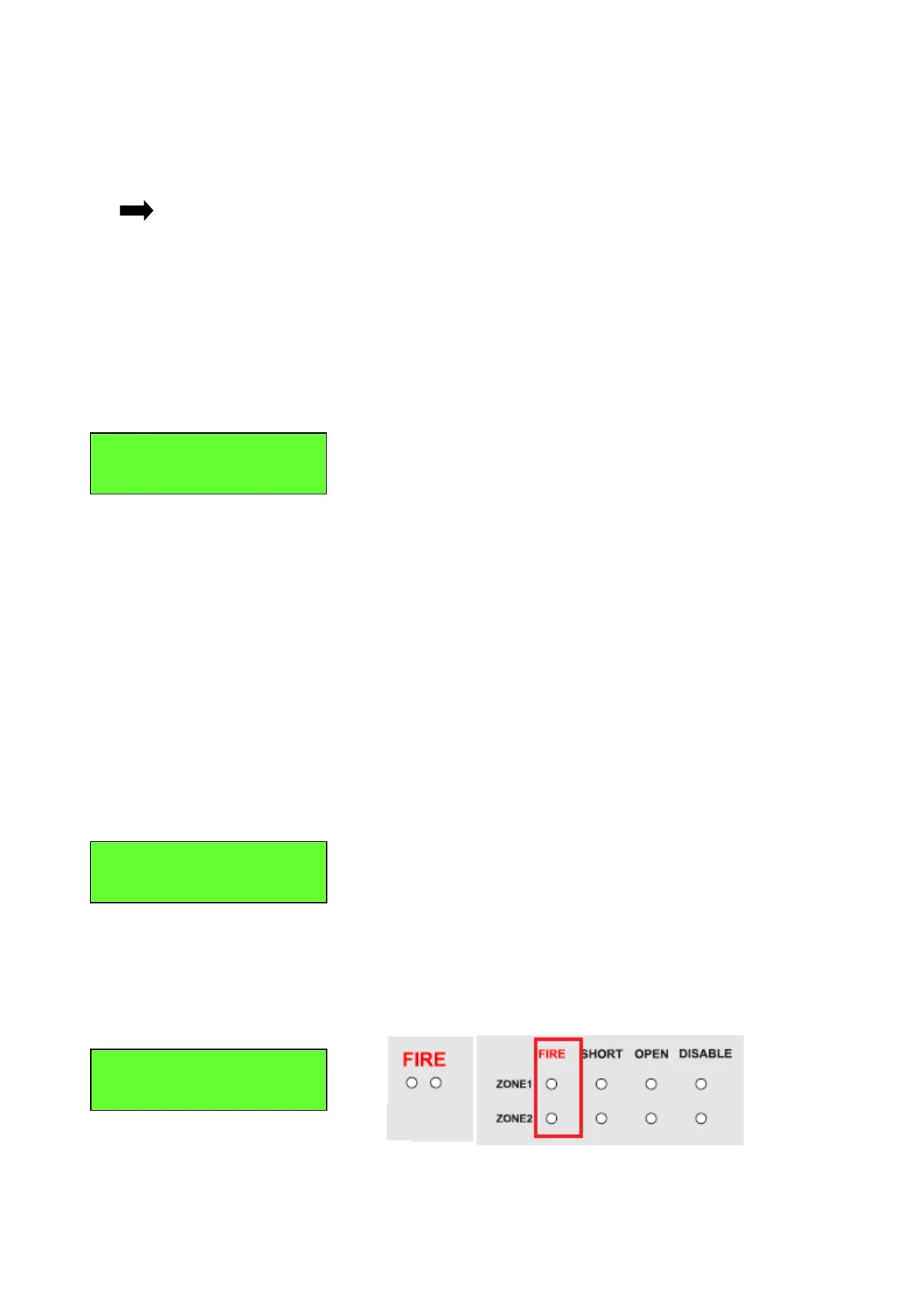
If any zone detects (for example Z2 and Z1) the fire, the system enters immediately into fire condition.
The System operation and LCD display for this condition is shown below.
• First lines indicate Zones in Fire, Second line indicates the time and date.



 To Next Page