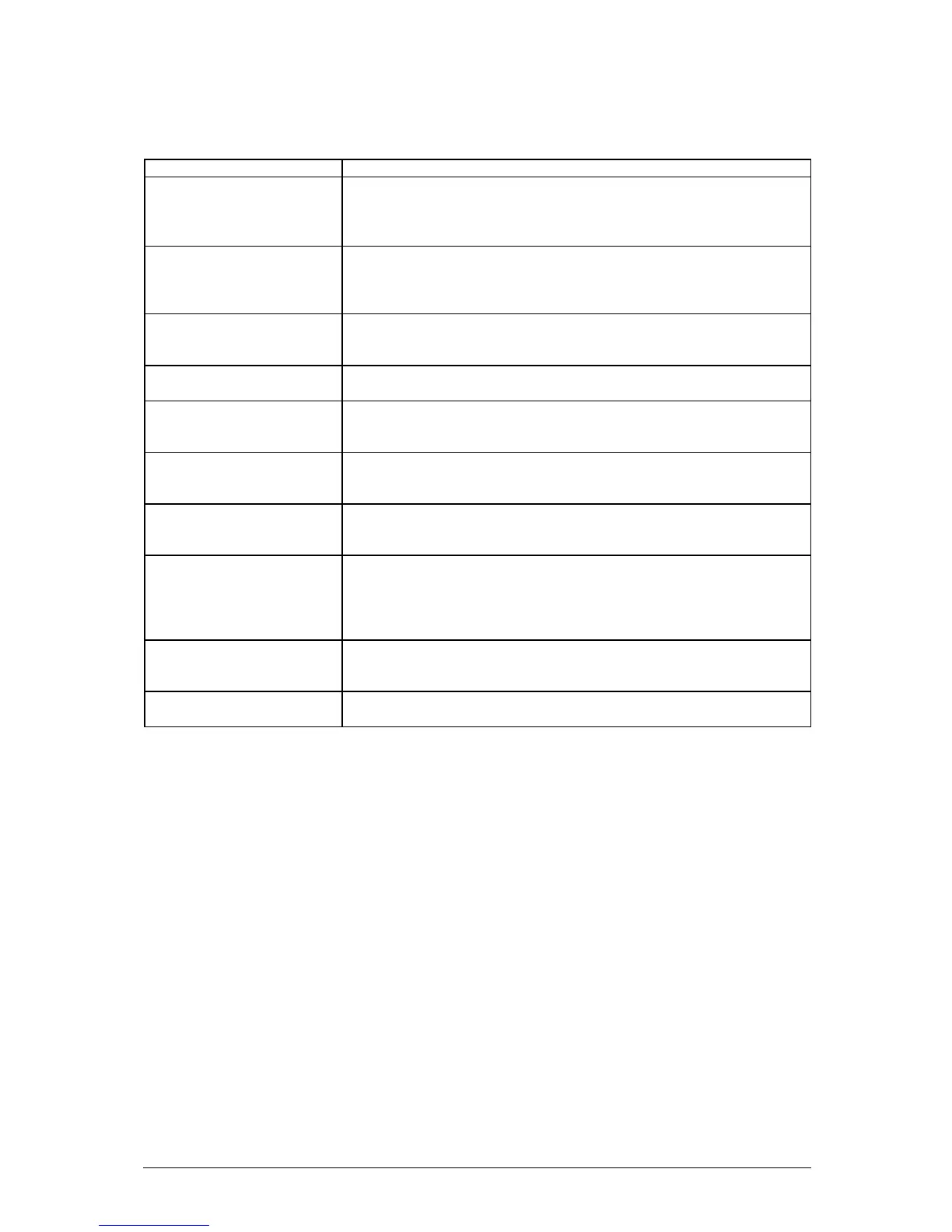
Table 5: BIOS Error Messages (continued)
Error Message Explanation
Parity Check 1 Parity error found in the system bus. BIOS attempts to locate the
address and display it on the screen. If it cannot locate the address, it
displays ????.
Parity Check 2 Parity error found in the I/O bus. BIOS attempts to locate the address
and display it on the screen. If it cannot locate the address, it displays
????.
Press <F1> to resume,
<F2> to Setup
Displayed after any recoverable error message. Press <F1> to start
the boot process or <F2> to enter Setup and change any settings.
Real time clock error Real-time clock fails BIOS test. May require Motherboard repair.
Shadow RAM Failed at
offset: nnnn
Shadow RAM failed at offset nnnn of the 64 KB block at which the
error was detected.
System battery is dead -
Replace and run SETUP
The CMOS clock battery indicator shows the battery is dead. Replace
the battery and run Setup to reconfigure the system.
System cache error - Cache
disabled
RAM cache failed the BIOS test. BIOS disabled the cache.
System CMOS checksum
bad - run SETUP
System CMOS RAM has been corrupted or modified incorrectly,
perha
Run Setup and reconfigure the system either by getting the default
values and/or making your own selections.
System RAM Failed at
offset: nnnn
System RAM failed at offset nnnn of the 64 KB block at which the error
was detected.
System timer error The timer test failed. Requires repair of system Motherboard.



 To Next Page