When the item "Set Supervisor Password" is highlighted on the above screen, press
the <Enter> key. When prompted, type the Supervisor Password in the dialogue box
to set or to change the Supervisor Password.
Set User Password
When the item "Set User Password" is highlighted on the above screen, press the
<Enter> key. When prompted, type the User Password in the dialogue box to set or
to change the User Password.
Password Check
This setting allows the user to determine if the password is required every time when
the system boots up or if the password is required only when you enter the CMOS
setup. The options are "System" and "Setup".
Fixed Disk Boot Sector
This setting allows the user to configure the Fixed Disk Boot Sector. The default
setting is "Protected".
Boot
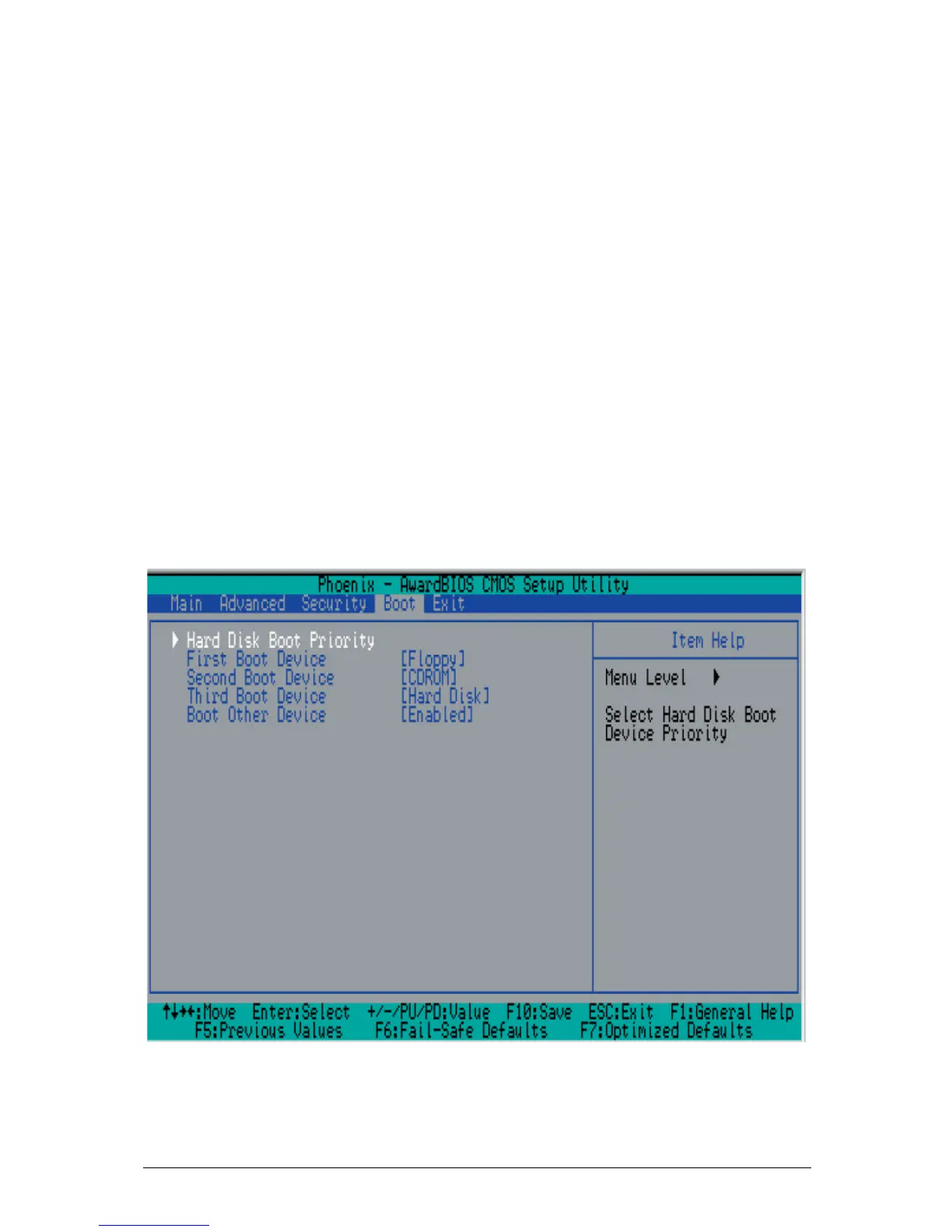
Choose Boot from the Award BIOS main menu with the Left/Right arrow keys. You
should see the following display:
Figure 17: Hard Disk Boot Priority
Hard Disk Boot Priority



 To Next Page