Set this option to "Enabled" to activate the hyper-threading function of the CPUs.
Enabling the hyper-threading function makes each CPU appear as two to any
programs that support it (you must have OS support also).The settings are
"Disabled" and "Enabled."
CPU Clock Ration
Use this option to set the clock ratio of the processor. The settings are "x8" "x9",
"x10", "x11", "x12", "x13", "x14", "x15", "x16", "x17", "x18", "x19", "x20", "x21", "x22"
and "x23".
Spread Spectrum
Spread Spectrum is a technique used to stablize a system by reducing the level of
Electromagnetic Interference. The options are "Enabled" and "Disabled".
CPU Clock
Key in the number you want to set for the CPU clock (MHz). Viglen does not
recommend or make any guarantees with CPU overclocking.
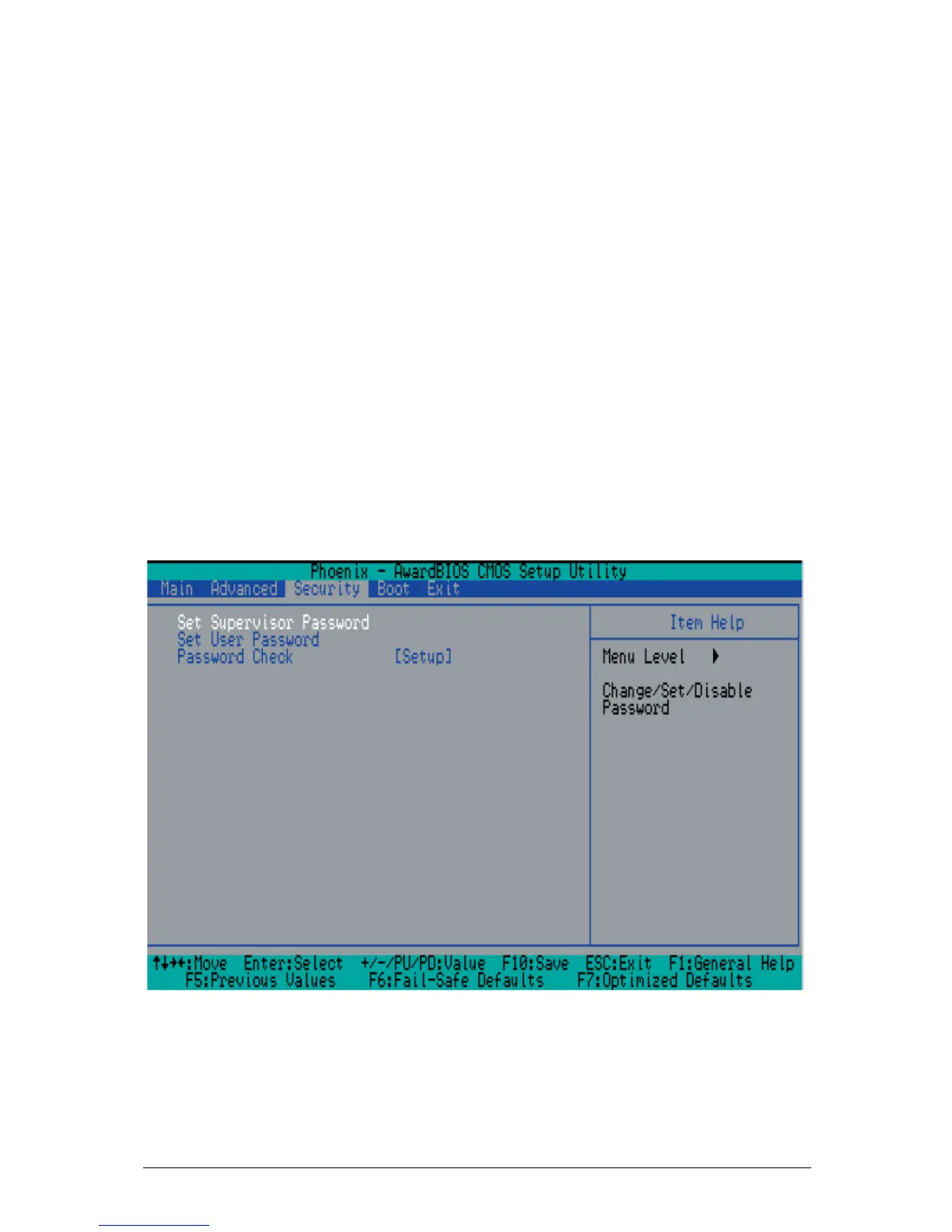
Security
Choose Security from the Award BIOS main menu with the Left/Right arrow keys.
You should see the following display:
Figure 16: Security
Set Supervisor Password



 To Next Page