EasyManua.ls Logo

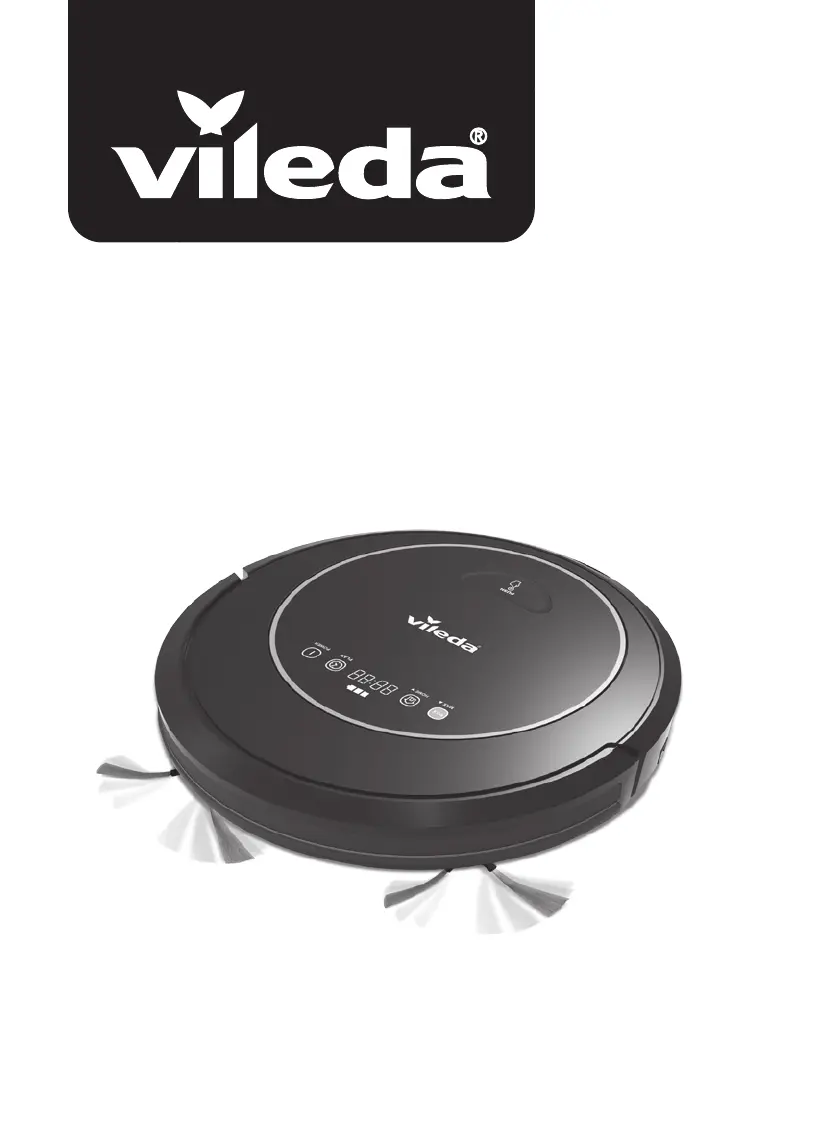
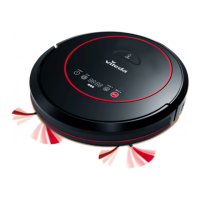
Vileda VR 302 - User Manual

Vileda VR 302
182 pages
Print Icon
To Next Page IconTo Next Page
Loading...
User & care guide • Bedienungs- und Pflegeanleitung
Robot
VR 302

Table of Contents

Other manuals for Vileda VR 302

Questions and Answers

  • S
    Stephanie DuncanSep 2, 2025
    What does it mean if my Vileda Vacuum Cleaner display shows the error code “L / various / various / various?
    • C
      Carolyn LongSep 2, 2025
      If your Vileda Vacuum Cleaner displays the error code “L / various / various / various, the motors might be overloaded or jammed. Check if the fan opening is free and clean the dust bin. Also, check if the wheels or brush unit are stuck or tangled with obstacles.
  • O
    Olivia HallAug 31, 2025
    Why is my Vileda Vacuum Cleaner making an error sound?
    • C
      Claudia GreenAug 31, 2025
      The error sound on your Vileda Vacuum Cleaner, especially if accompanied by a display indicating low power, suggests that you should recharge the battery for 5 hours. The robot may also be stuck; in this case, place it in a safe area or clean its bottom sensors. Blocked wheels can also cause this issue, so clean the wheels, including the front wheel.
  • R
    Rebecca SosaAug 29, 2025
    Why is my Vileda VR 302 Vacuum Cleaner display showing error code “E / R / R / O”?
    • G
      greenbrendaAug 29, 2025
      If the display of your Vileda Vacuum Cleaner shows the error code “E / R / R / O”, the main switch is likely switched off, preventing charging. Turn the main switch on to continue charging the robot.
  • C
    Catherine BriggsAug 27, 2025
    Why is my Vileda VR 302 Vacuum Cleaner showing error code “A / U / B / N”?
    • S
      Sharon FloresAug 28, 2025
      If your Vileda Vacuum Cleaner is showing the error code “A / U / B / N”, the dust bin is either not placed in position or missing entirely. Put the dust bin back and ensure it is correctly placed.
  • A
    angelakaufmanAug 26, 2025
    Why is my Vileda VR 302 Vacuum Cleaner showing error code “L / various / various / various?
    • S
      Sandra WareAug 26, 2025
      If your Vileda Vacuum Cleaner is displaying the error code “L / various / various / various”, check if the fan opening is free and clean the dust box. Also, check if the wheels or brush unit are stuck or obstructed by obstacles.
  • O
    osmithAug 25, 2025
    Why is my Vileda Vacuum Cleaner showing error code “A / U / B / F”?
    • M
      Melissa WilkersonAug 25, 2025
      If your Vileda Vacuum Cleaner is showing the error code “A / U / B / F”, the suction passage is likely blocked. Clean the suction passage to resolve this.
  • C
    Craig PorterAug 22, 2025
    What to do if my Vileda Vacuum Cleaner display shows the error code “E / various / various / various?
    • J
      Joseph MooreAug 22, 2025
      If your Vileda Vacuum Cleaner displays the error code “E / various / various / various”, place the robot on solid ground. Also, check the sensitivity of the front bumper, clean the bottom anti-drop sensor lens, and clean the front bumper sensor lens.

Summary

Safety Warnings and Precautions

Understanding Your Robot

Package Contents

Lists all items included in the robot package.

Robot Features and Functions

Details the physical components and their primary purposes.

Operating Your Robot

Charging the Robot Battery

Instructions for charging the robot's battery, including indicators and tips.

Powering On, Off, and Standby

Steps to power the robot on, put it in standby, or turn it off.

Cleaning Modes and Movements

Explains the different cleaning modes and robot movement patterns.

Setting Cleaning Schedules

How to set up automatic cleaning schedules for the robot.

Robot Maintenance Guide

Cleaning the Dust Bin and Filters

Guide to emptying and cleaning the robot's dust bin and filters.

Cleaning Brushes

Instructions for cleaning the robot's main brush and side brushes.

Cleaning Sensors and Wheels

How to clean the robot's sensors and wheels.

Cleaning Driving and Center Wheels

Steps to clean the robot's driving and center wheels.

Battery Removal Procedure

Procedure for safely removing the robot's battery.

Troubleshooting Common Issues

Environmental Disposal and Recycling

Technical Specifications

Product Guarantee Information

Vileda VR 302 Specifications

General IconGeneral
ModelVR 302
BrandVileda
CategoryVacuum Cleaner
Charging Time5 hours
Power Consumption20 W
Cord LengthCordless
Noise Level65 dB
TypeRobotic Vacuum
Dustbin Capacity0.5 L
Battery Life90 minutes

Related product manuals