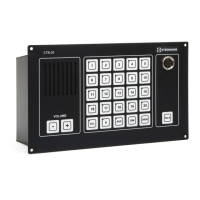
Installation & User Manual System CTB-100V
15
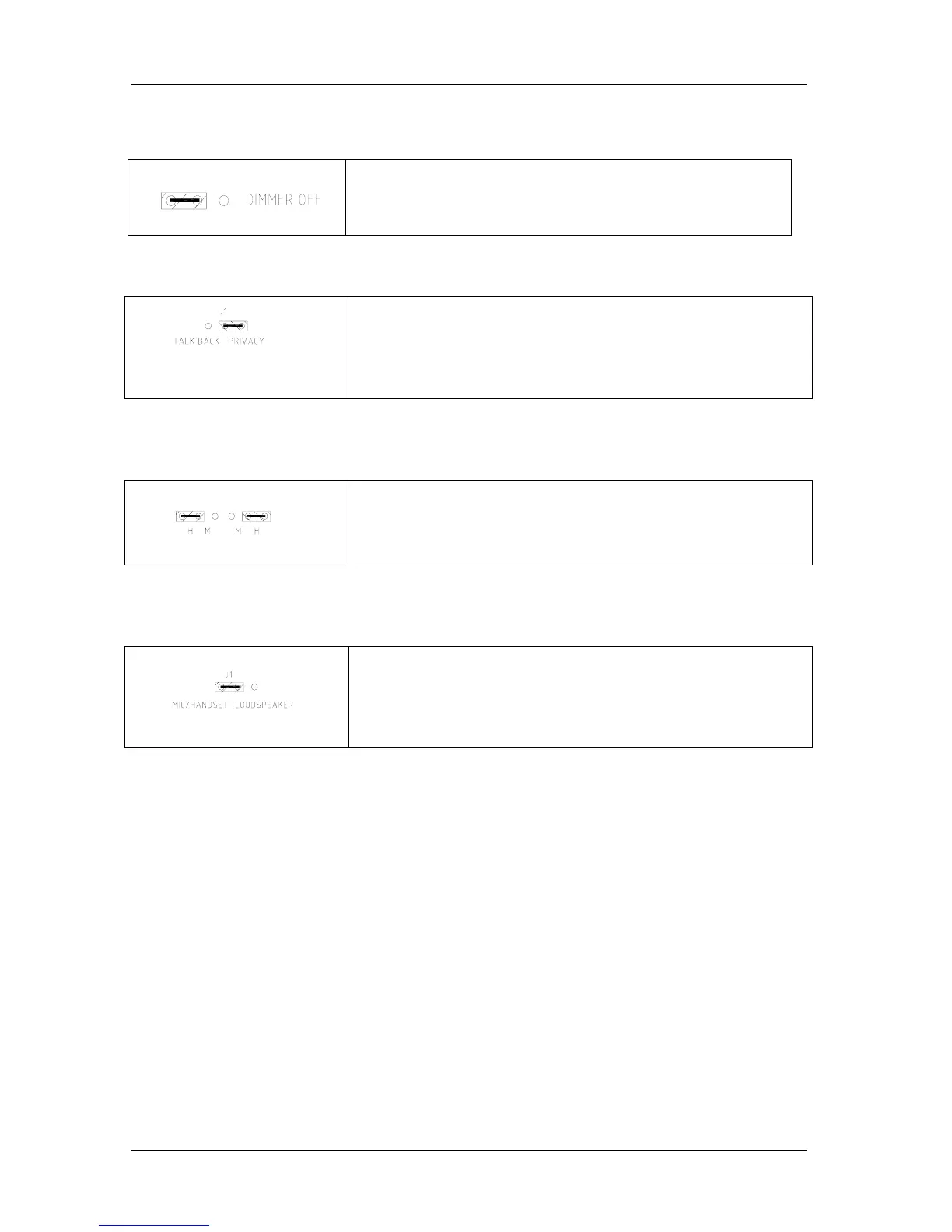
3.9 Dimmer on / off in Operation panel
Ref. drawing CTB-1020_lo
Dimmer can be set to on /off by dip-switch marked “dimmer off”
3.10 Substation STB-1
Default setting is Privacy function, can be set to normal Talk Back
Function.
Talk Back Function; move the jumper J1 on PCB in STB-1
3.11 Substation STB-3
Default setting is for headset, can be set for microphone.
Microphone; move the two jumpers on PCB - STB-3in position M
3.12 Substation STB-5
Default setting is for microphone or handset, loudspeaker can be set to both
loudspeaker and microphone. (Re-entrant speaker)
Re-entrant speaker; move the jumper J1 on PCB in STB-5.
3.13 Installation for C500 Nautical Safety
Installation has to follow strictly requirement given in following chapter and drawings:
• Chapter 2.4.13
• Chapter 3.2.4 and 3.2.6
• Drawing: Cable connection diagram CTB_cc6



 To Next Page