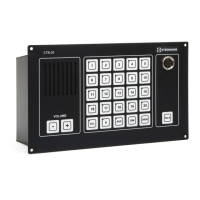
Installation & User Manual System CTB-100V
23
4.1.7 Receive a call from two or more substations.
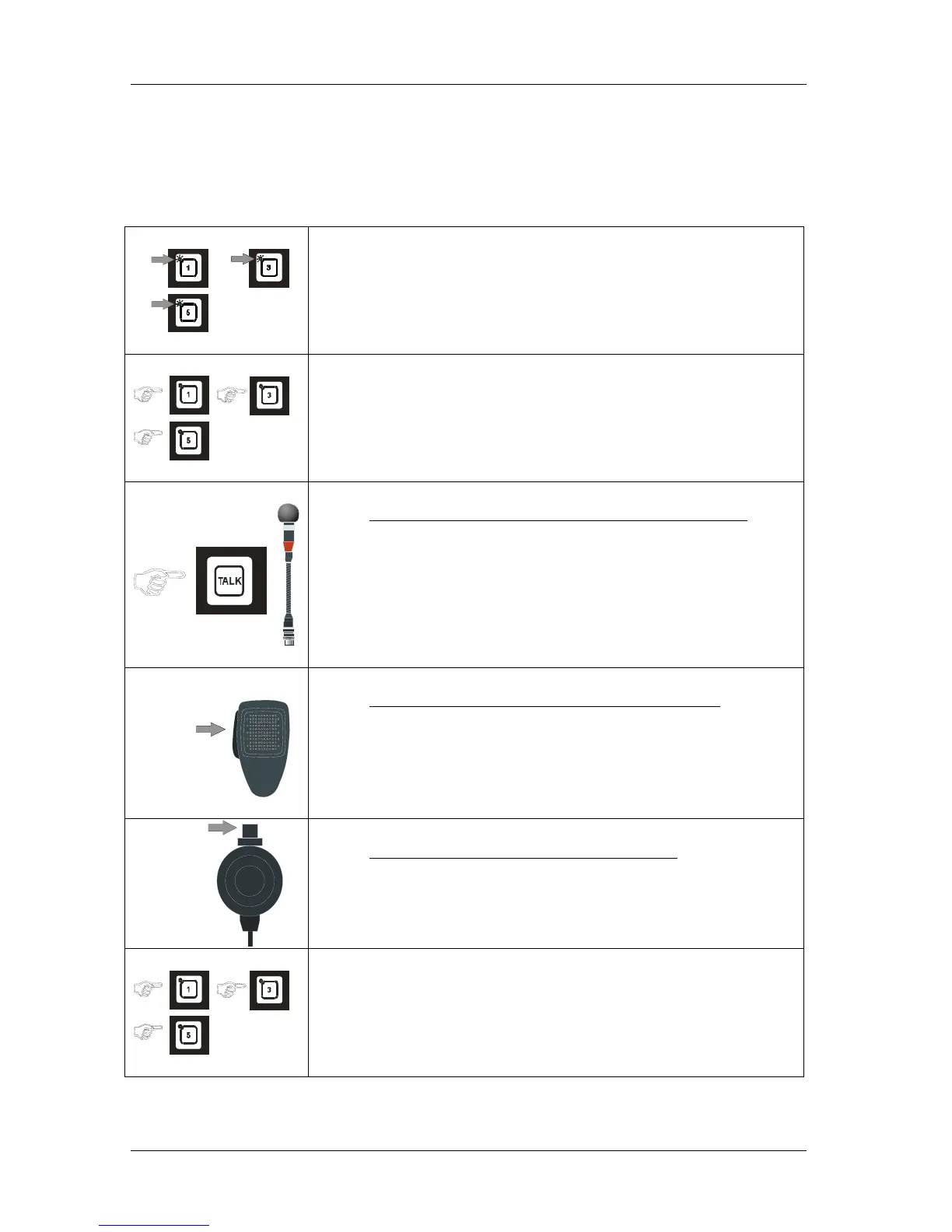
Calls can be received from two or more substations at same time. The operation panel that is set to receive calls
can select between calls from substations.
Calls are indicated with flashing green LED in the push buttons and a beep tone in the monitor loudspeaker
Will also activate extra signal unit if installed. (Only for the first incoming call.)
.
• Calls are indicated with flashing green LED for respective line button,
and signal in monitor loudspeaker.
(And in extra signal unit if installed, Note! only for the first call)
• Press the LINE button, the call is set up. Indicated by steady green LED
The the operation panel can select between substation lines and cancel
calls by pressing the respective LINE button once more.
Operationpanel with gooseneck microphone MB-30G
• Press the TALK button.
Speak clearly into the microphone. When the TALK button is released
the operation panel will be in listening mode, and you will hear the
communication from the selected station.
PTT SWITCH
ETC-1-TB
Operationpanel with hand microphone ETC-1-TB
• Press the PTT SWITCH.
Speak clearly into the microphone. When the PTT SWITCH button is
released the operation panel will be in listening mode, and you will hear
the communication from the selected station.
PTT SWITCH
Operationpanel with hand microphone P-66
• Press the PTT SWITCH..
Speak clearly into the microphone. When the PTT SWITCH button is
released the operation panel will be in listening mode, and you will hear
the communication from the selected station.
• Press the selected LINE buttons once more to end the call.
The LED`s will be switch off.



 To Next Page