Installation & User Manual System CTB-100V
29
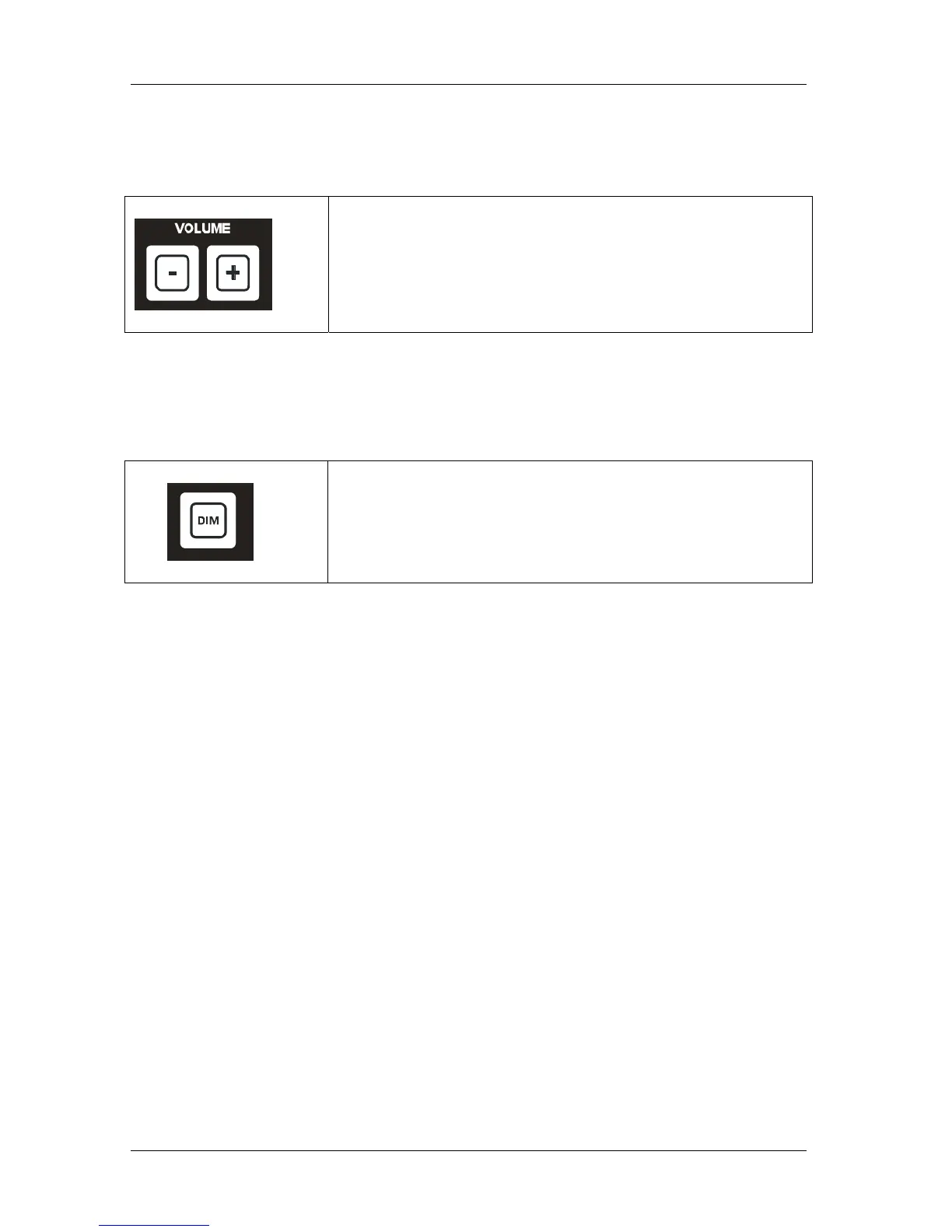
4.1.12 Volume
By pressing + or - buttons repeatedly, you can increase or decrease the listening volume in the ETB.
This will also affect the volume for a parallel speaker connected to the ETB
• Press the + buttons repeatedly for increase volume
• Press the - buttons repeatedly for decrease volume
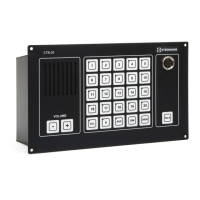
4.1.13 Dimming of call light.
Intensity of light in push buttons can be adjusted by pressing DIM button.
Switch between two steps max.and 1/3. Default is set to max.
Dimmer can be set to on /off by dip-switch marked “dimmer off” (See chapter 3.10)
• Press DIM button once for 1/3 intensity.
• Press DIM button once more back to max. intensity.



 To Next Page