Installation & User Manual System CTB-100V
28
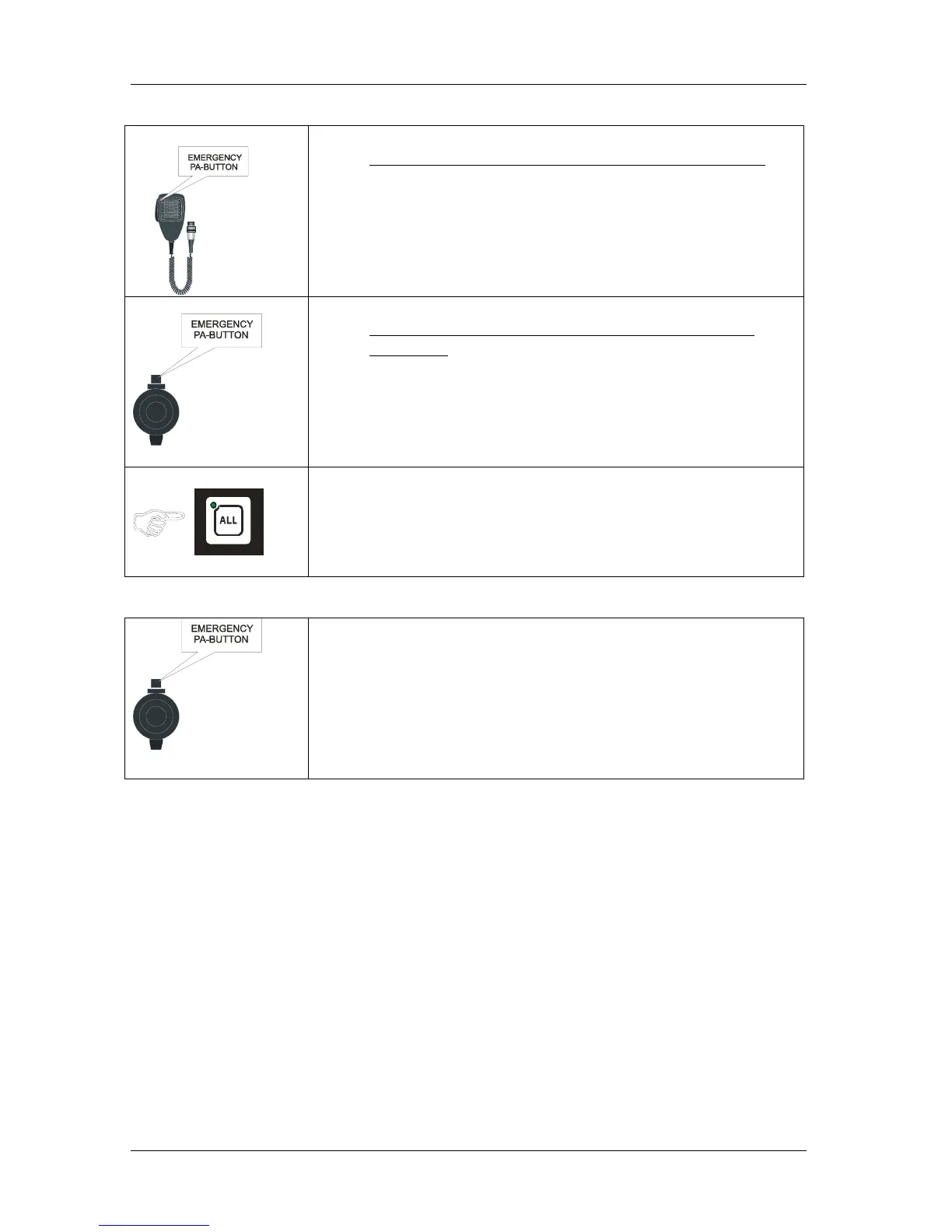
With hand microphone ETC-1-TB (CTB-10 & CTB-20)
• Press the PTT SWITCH marked “EMERGENCY PA-BUTTON”
• Speak clearly into the microphone to give message.
With hand microphone P-66 (CTB-10W_V01 & CTB-
20W_V01)
• Press the PTT SWITCH marked “EMERGENCY PA-BUTTON”
• Speak clearly into the microphone to give message.
• Press the ALL button once more to end the PA-call.
The LED will be switch off.
From All call station VMT-603
• Press the PTT SWITCH marked “EMERGENCY PA-BUTTON”
Speak clearly into the microphone to give message.
The operation will mute the External Alarm System (General / Fire
Alarm)
• When the PTT SWITCH button is released the CTB-100 system will
be back in normal Talk back mode.


 To Next Page