21
© 2013 Directed. All rights reserved.
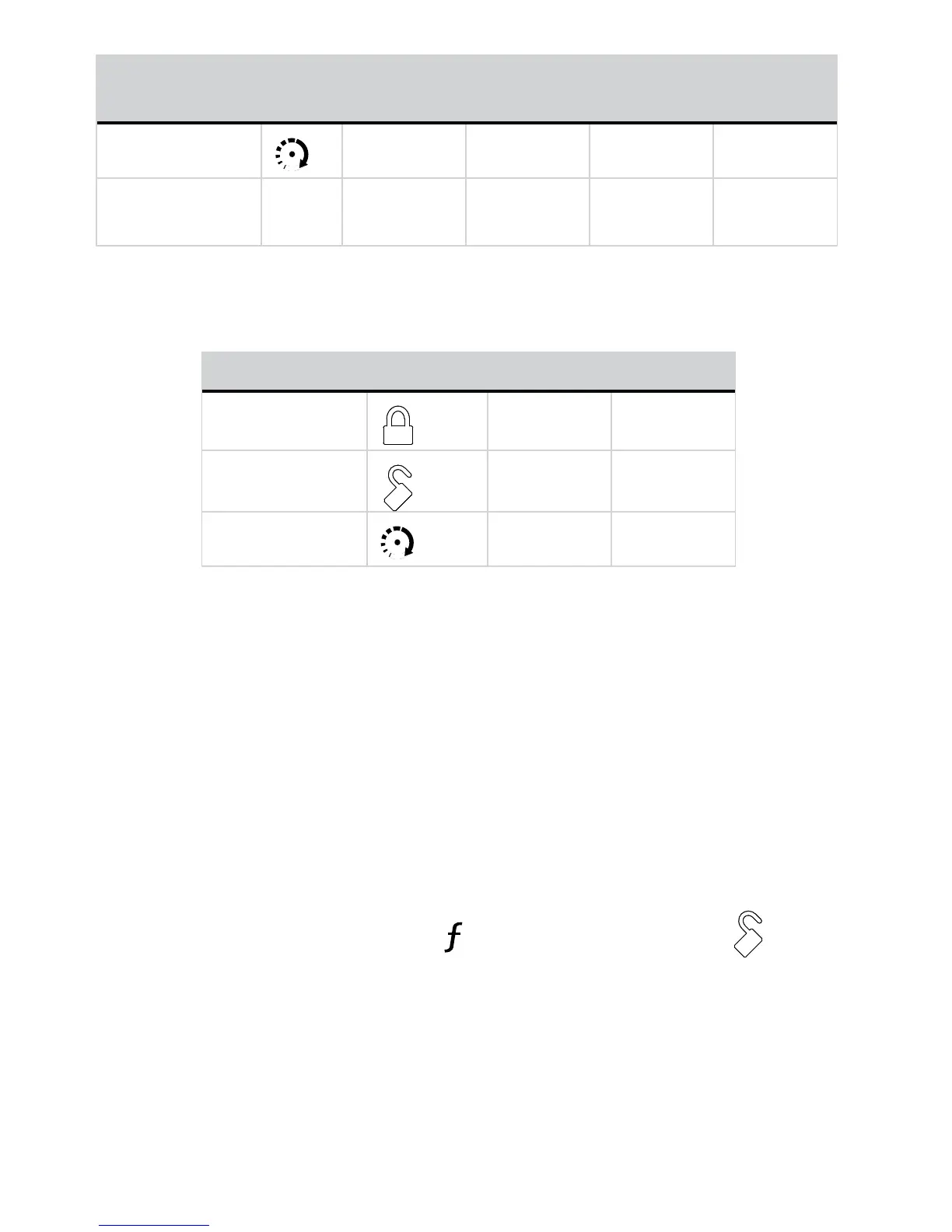
Feature Button
Press
LED on LED off LED Flash LED Double
Flash
Car 2
Car 2 On Car 2 Off
Page Mode*
AUX
Paging On Paging Off Power
Save1
Power
Save 2
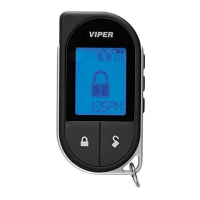
1-way companion remote control
The 1-way remote will flash the transmit LED to indicate the setting.
Feature Button Press LED on LED off
Keypad Lock
Auto Off*
Remote Beeps
Beeps On* Beeps Off
Car 2
Car 2 On Car 2 Off*
* Indicates default setting.
Keypad Lock
Options: Off, Auto
When Off, the buttons do not lock and always perform a command
when pressed. When set to Auto, the remote buttons lock after a 20
second lapse between buttons presses to prevent unintentional opera-
tions. If a button is pressed when locked the a fault tone plays as an
alert. The 1-way companion emits the fault tone only.
To unlock the buttons, press the
button followed by the button.
The confirmation LED’s flash and tones play to confirm unlocking.
Auto unlocking
After turning the ignition off, a message to the Responder LE will
unlock the keypad buttons until the next command is performed.



 To Next Page