55
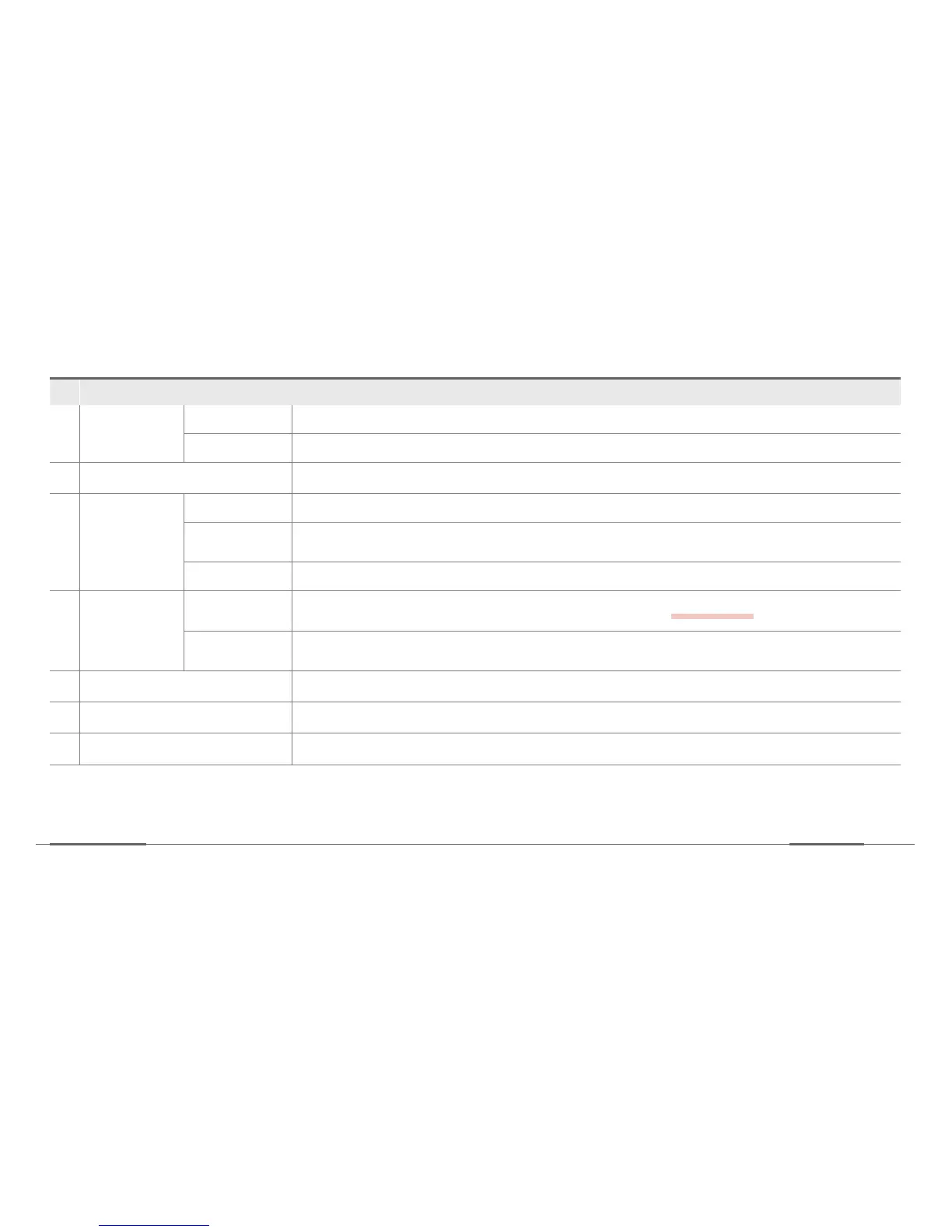
No. Description
3
Sever
Connection
SIM card Enter the SIM card information such as APN, USER, PASSWORD, and AUTHENTIFICATION.
Server Server IP address where the data is received. Type in server IP address and port number.
4
Event Report Settings are configured for alert sending, photo sending, and number of photos.
5
Voice call
Device number My telephone number, reception number.
Reception
number
One outgoing number.
Caller 123 Up to 3 incoming numbers.
6
Download Link
Firmware
download
Downloads the most recent firmware file for manual update.
refer to pg 58
Manual
download
Downloads the most recent device manual file.
7
Format SDcard Download the most recent.
8
Factory Reset Formats SD card and erase all data.
9
OK Click when the settings are completely changed.


 To Next Page