Software Installation and Connections 13
© 2015 Vision Engraving Systems
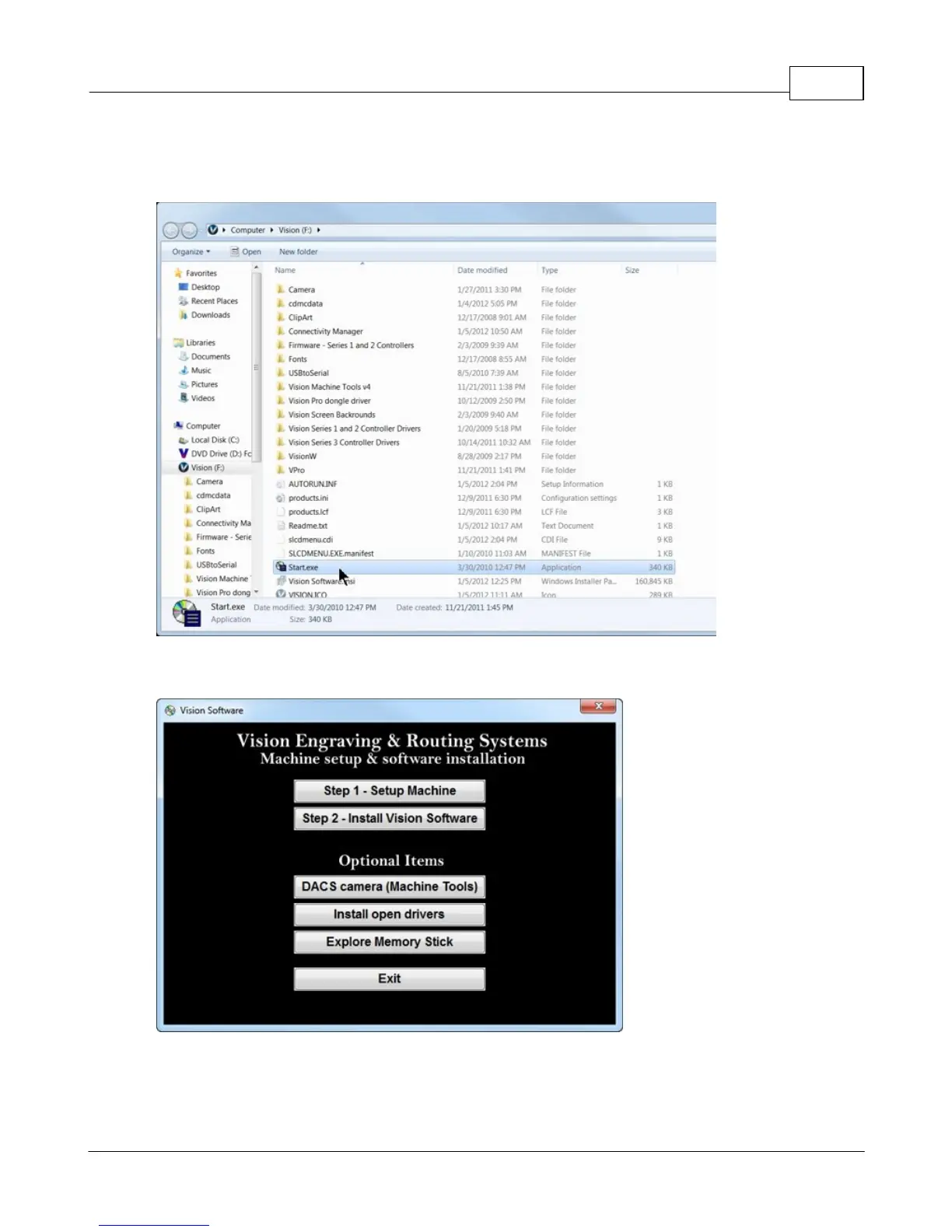
Locate the file named Start and double click on the file to start the installation. The screen below shows
Start.exe, but your computer might not show the .exe portion.
Select Step 1 - Setup Machine. This installs the Vision Connectivity Manager software.



 To Next Page