Vision Max Pro User Manual168
© 2015 Vision Engraving Systems
6 Maintenance
How to Remove and Clean the Air Filter
Weekly preventive maintenance should be performed to ensure reliable operation of the machine's
controller. It is recommended that the input fan filter be removed weekly and cleaned to ensure proper
cooling of the electronics.
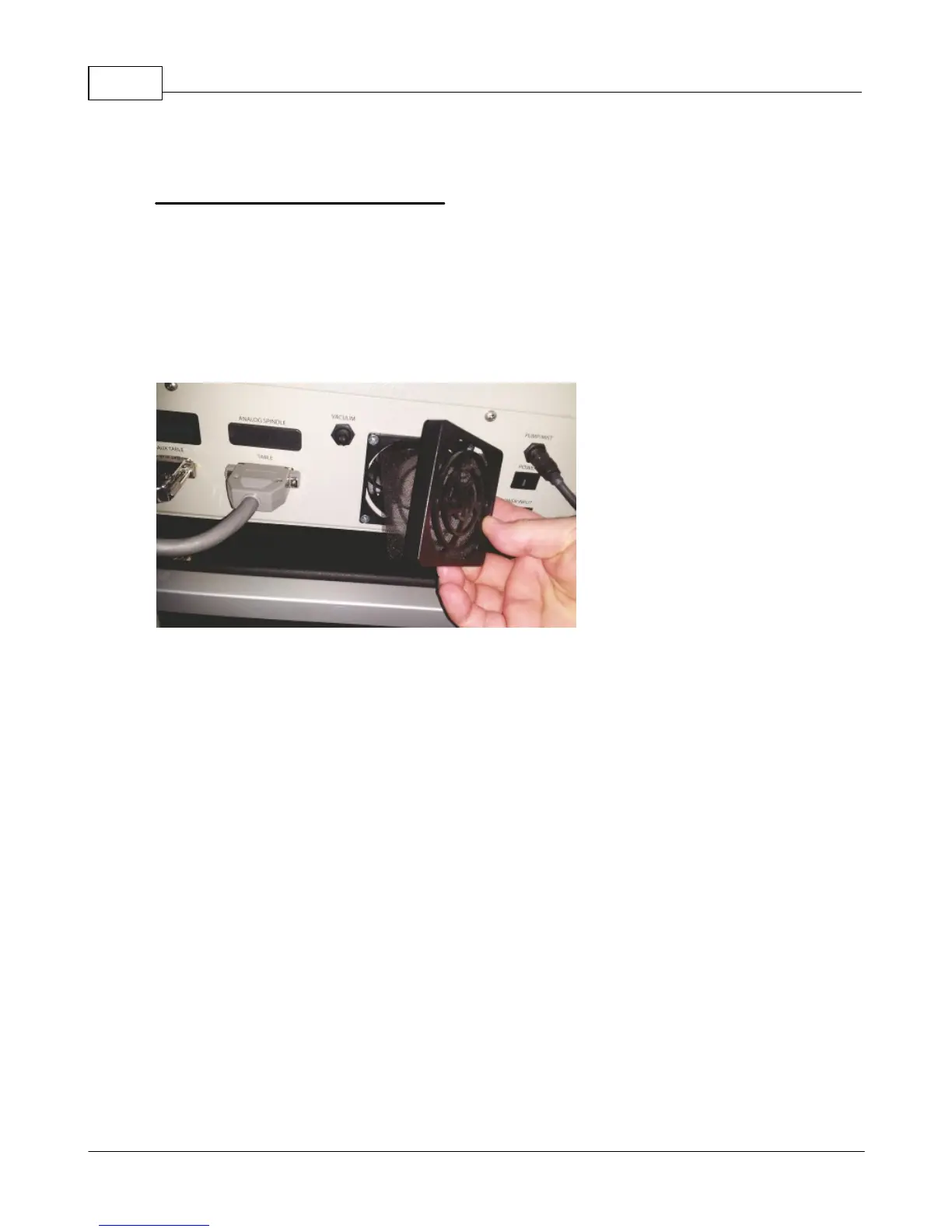
i. Remove the filter guard; this is easiest if you pull from a corner of the guard.
ii. Remove the filter and blow out the filter with low pressure compressed air, or rinse the filter with
water and dry before replacing.
iii.Replace the filter and replace the filter guard.



 To Next Page