Operation 65
© 2015 Vision Engraving Systems
3.5 Using the Measure Feature
The Measure Feature is a very useful tool that can be used to set up both the machine's home position
and the plate size in the Vision 9 software.
To use this feature, turn on the engraver and press the Go to Home button. Open the Vision 9 software
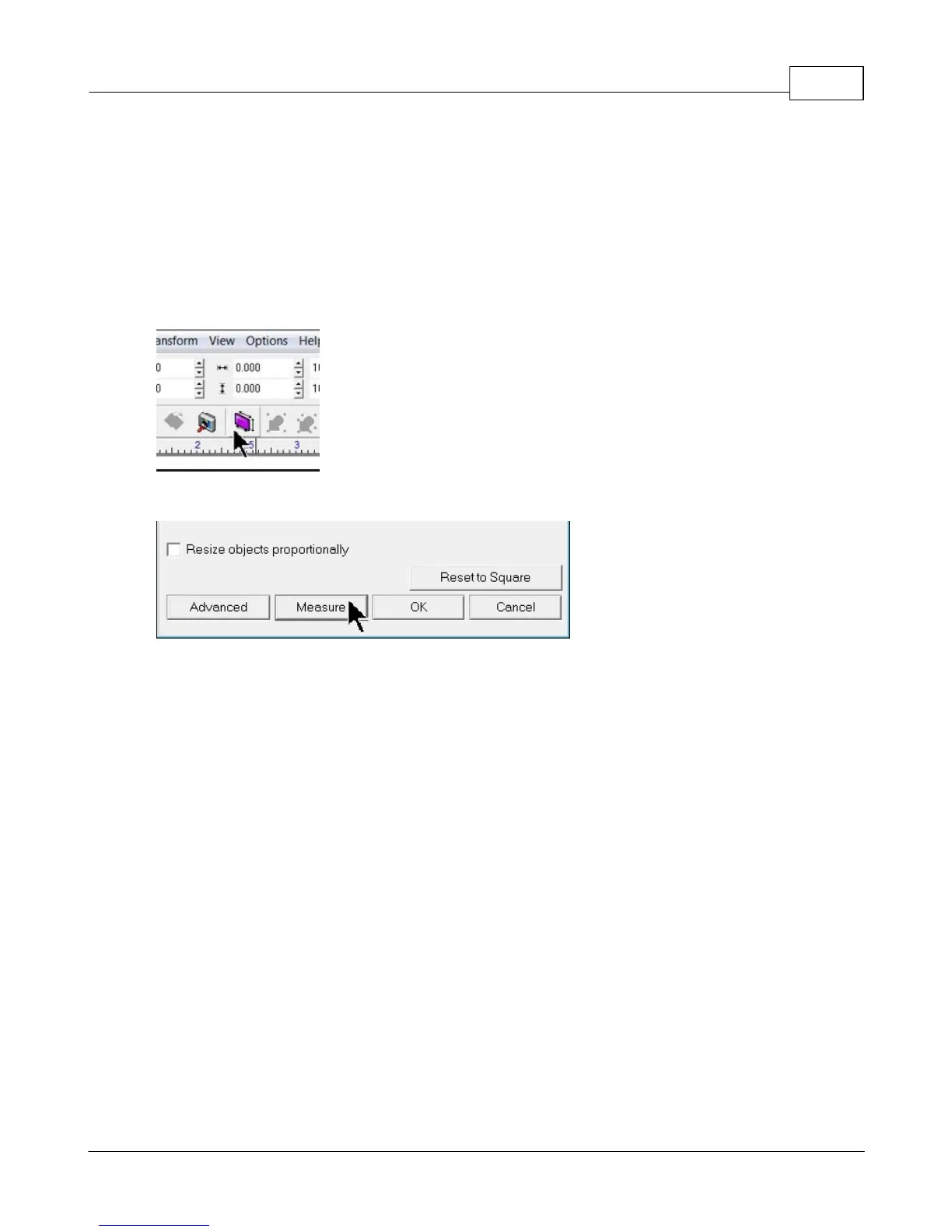
with a new drawing and select the Plate Size icon on the top toolbar.
At the bottom of the plate size window, click on the Measure icon.



 To Next Page