Vision Max Pro User Manual18
© 2015 Vision Engraving Systems
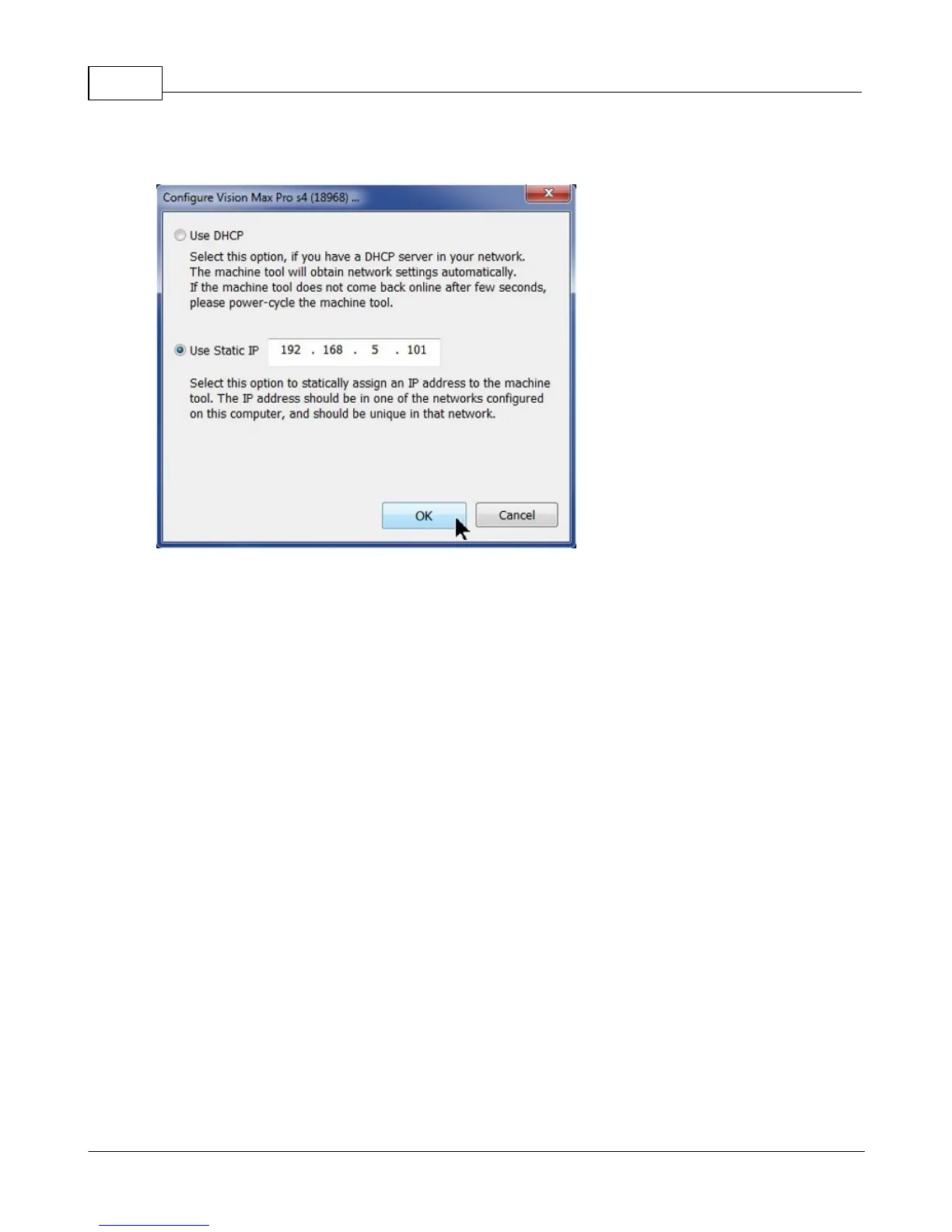
Set the IP address (as shown) to 192.168.5.101, then select OK. This sets the machine's IP address.
The configuration is complete at this point. Close the Discover Machine Tools window and return to the
Main Installation Screen to proceed with the Vision software installation in the next section.



 To Next Page