Operation 75
© 2015 Vision Engraving Systems
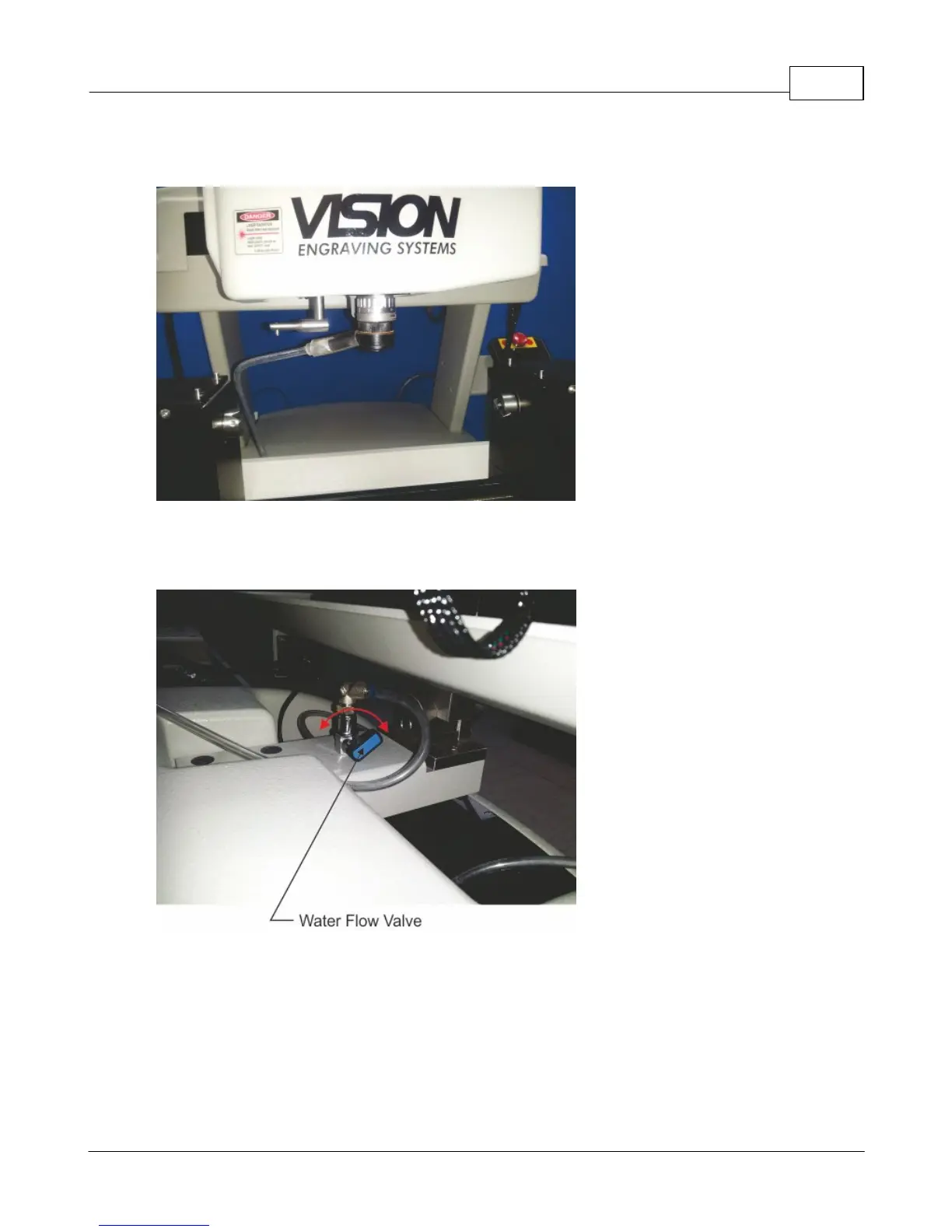
Water feed nosecone shown installed (below).
To adjust the amount of water supplied by the system, turn the Water Flow Valve. When adjusting water
flow, too little flow will not cover the engraved item and it will be slow to reach the nosecone when starting
the job. Too much water flow will flood the spindle and spray water beyond the water catch tray.



 To Next Page