24
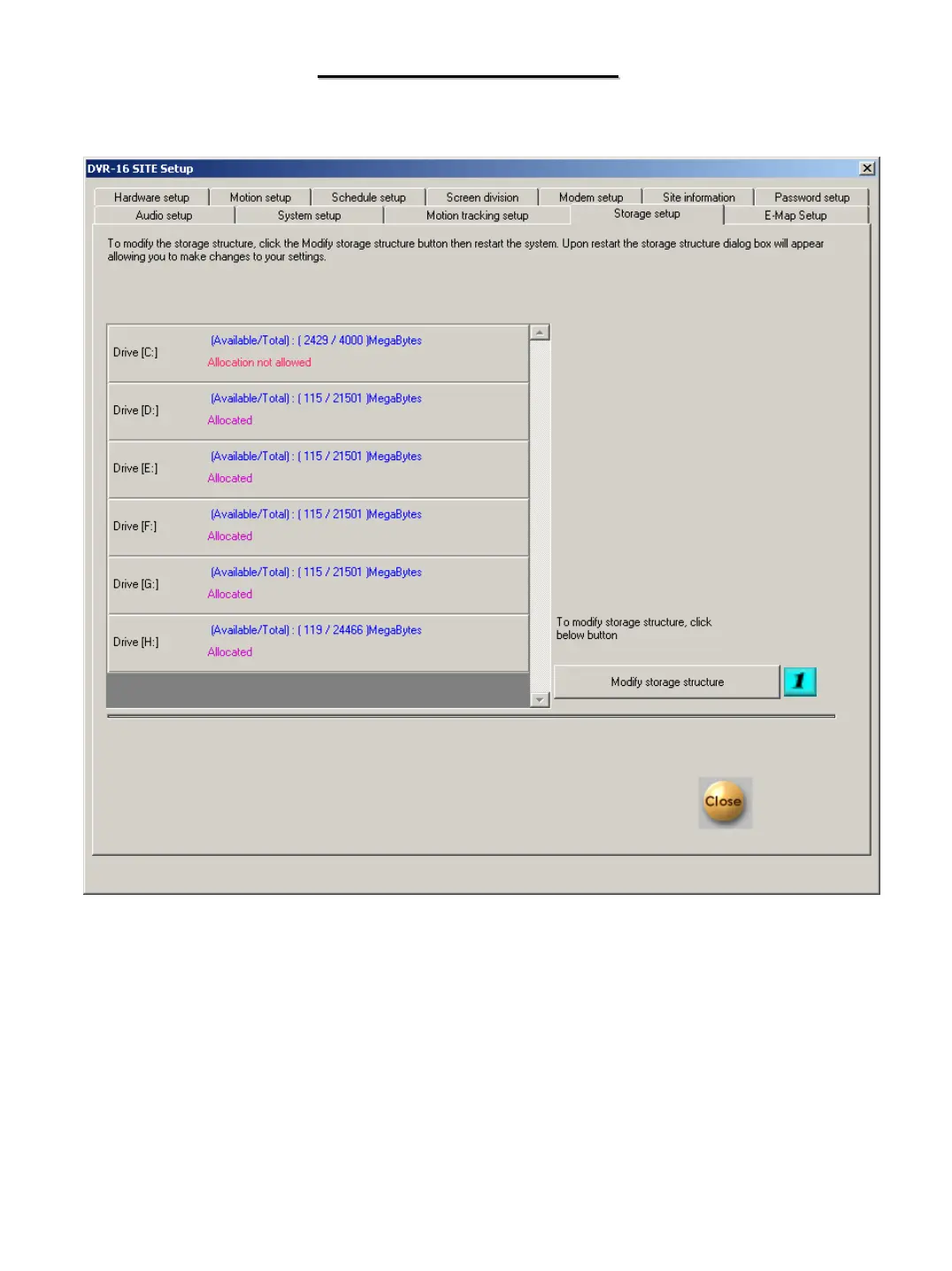
STORAGE SETUP
STORAGE SETUP
# 1 – Modify Storage Structure – Click on the box to make changes to the storage structure of your DVR.
Once you click close and restart the DVR the storage setup screen will appear.
We recommend that your dealer be contacted for assistance in modifying storage structure.
Changing allocation of drives will result in the drives being formatted and the loss of all stored video
on those drives will occur


 To Next Page