28
PAN TILT CONTROL
PAN TILT CONTROL
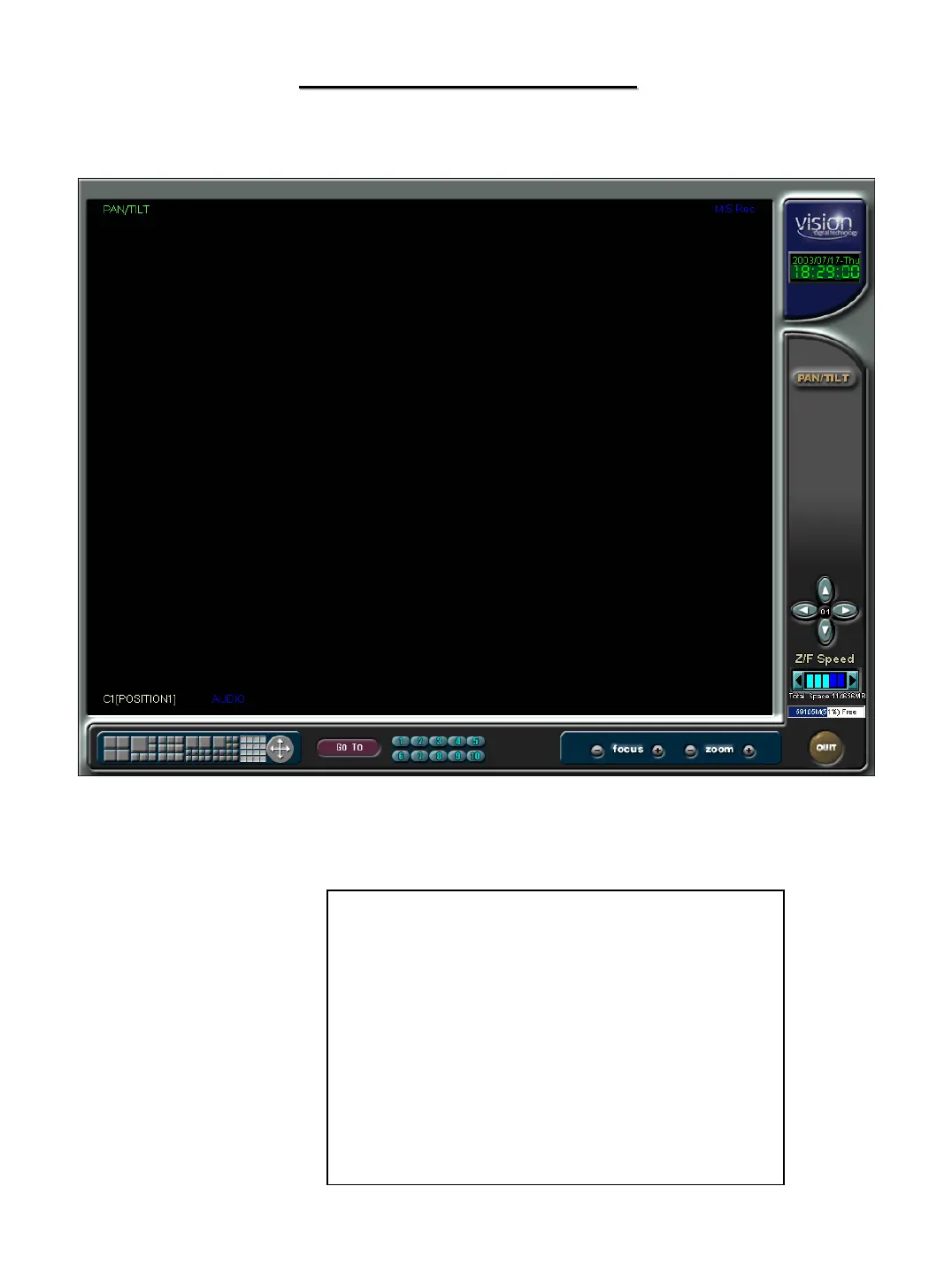
If your cameras are equipped with Pan/Tilt control you can enter the control section by
clicking on the image you wish to control. The camera controls will be shown
To return to the display mode click on
the Quit button in the lower right corner.
The controls will vary depending on what
camera you are controlling. The controls
shown are for a GC-755 Zoom Camera. The
complete list of protocols can be seen under
the hardware setup section. If you have
questions about controlling your specific type
of equipment, please refer to Appendix C, or
contact your dealer.


 To Next Page