43
AUDIO PLAYBACK
AUDIO PLAYBACK
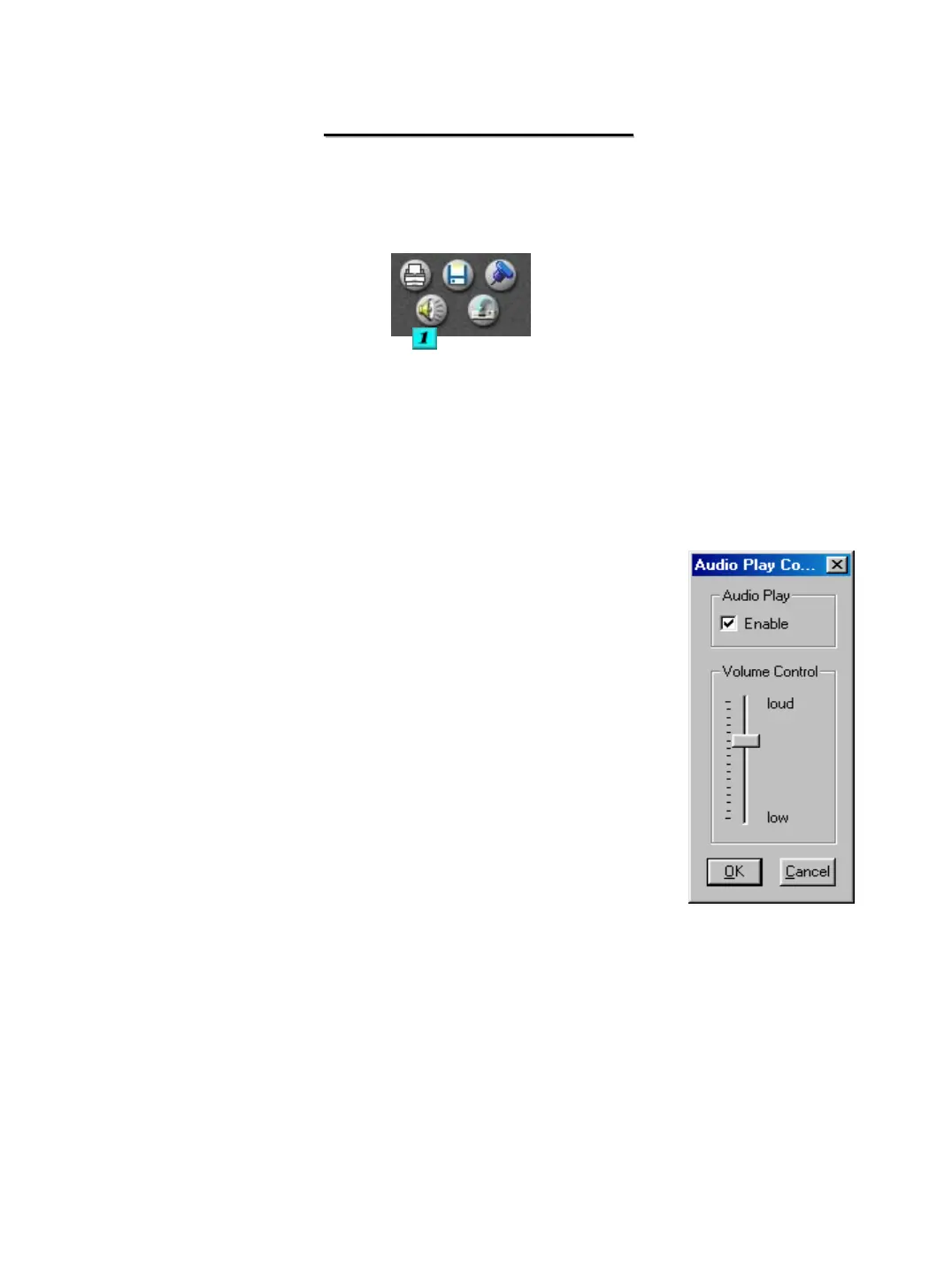
# 1 – Audio Play Control – When you click this button the audio
play configuration window will appear. Select the playback
level and then click on enable to allow for audio playback.
Audio can be played back only when one camera is selected.
You must select only the camera that contains the audio.
Audio can be played in normal forward play mode only. You
cannot playback audio while using reverse play, frame play,
skip or delay.
Video loss can occur during the first 1-3 seconds of playback,
this is due to the video and audio becoming synchronized, it is
not a fault of the system


 To Next Page