46
BOOKMARKING IMAGES
BOOKMARKING IMAGES
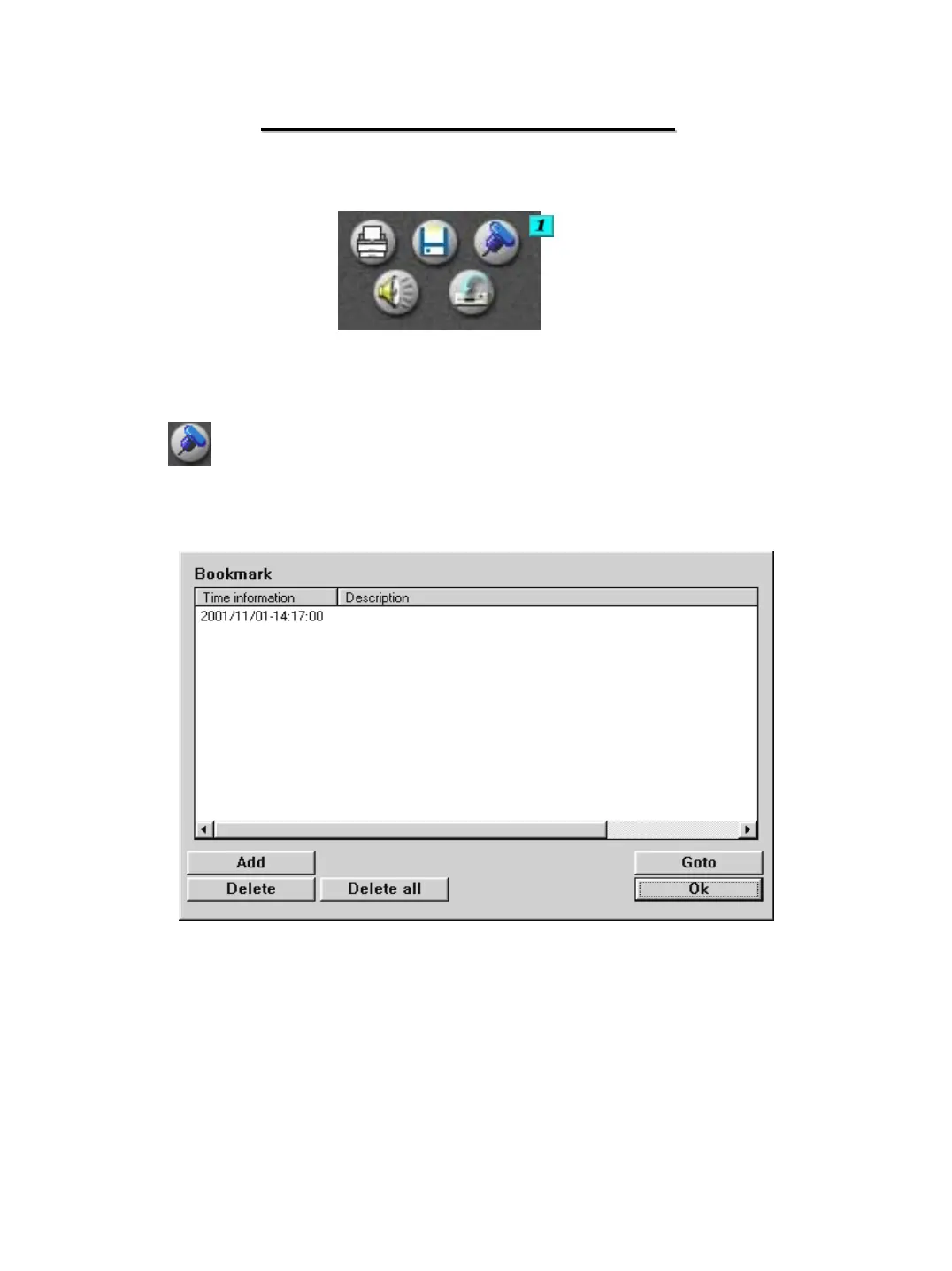
# 1 – Bookmarking Image -If you have located an image that you would like
to save an easy reference to, or to retrieve a stored reference, click on the
bookmark icon. The below window will appear.
To save a reference to the image click on the “ADD” button. The date and time of
the file will be placed in the list. Enter a description to allow for easy identification.
To delete a reference, select it from the list and click on the “DELETE” button. To d
elete all the references, click the “DELETE ALL” button.
To retrieve a stored reference click on the reference, and click the “GOTO” button.
The time and date of the search will be returned to the time of the selected reference.


 To Next Page