41
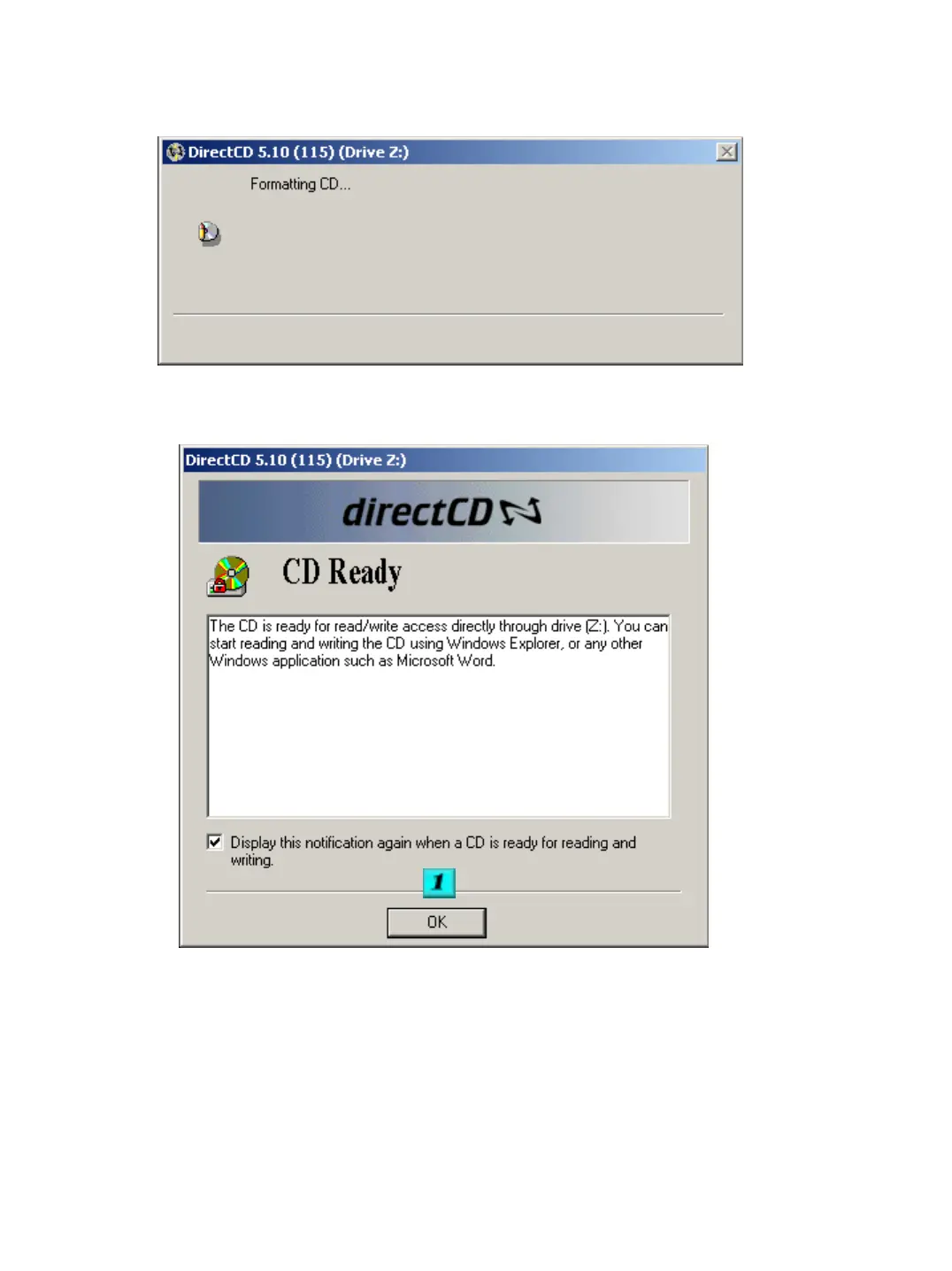
When the CD is being formatted the below section will be displayed.
#1 – Click on OK to complete the format. You then need to exit the Direct CD
program. The CD can now be used as a writeable media from the select media
option. Follow the same procedures for a backup to hard drive, ect. Once your
backup is complete and you need to remove the CD, press the eject button. The
below screen shot will appear.


 To Next Page