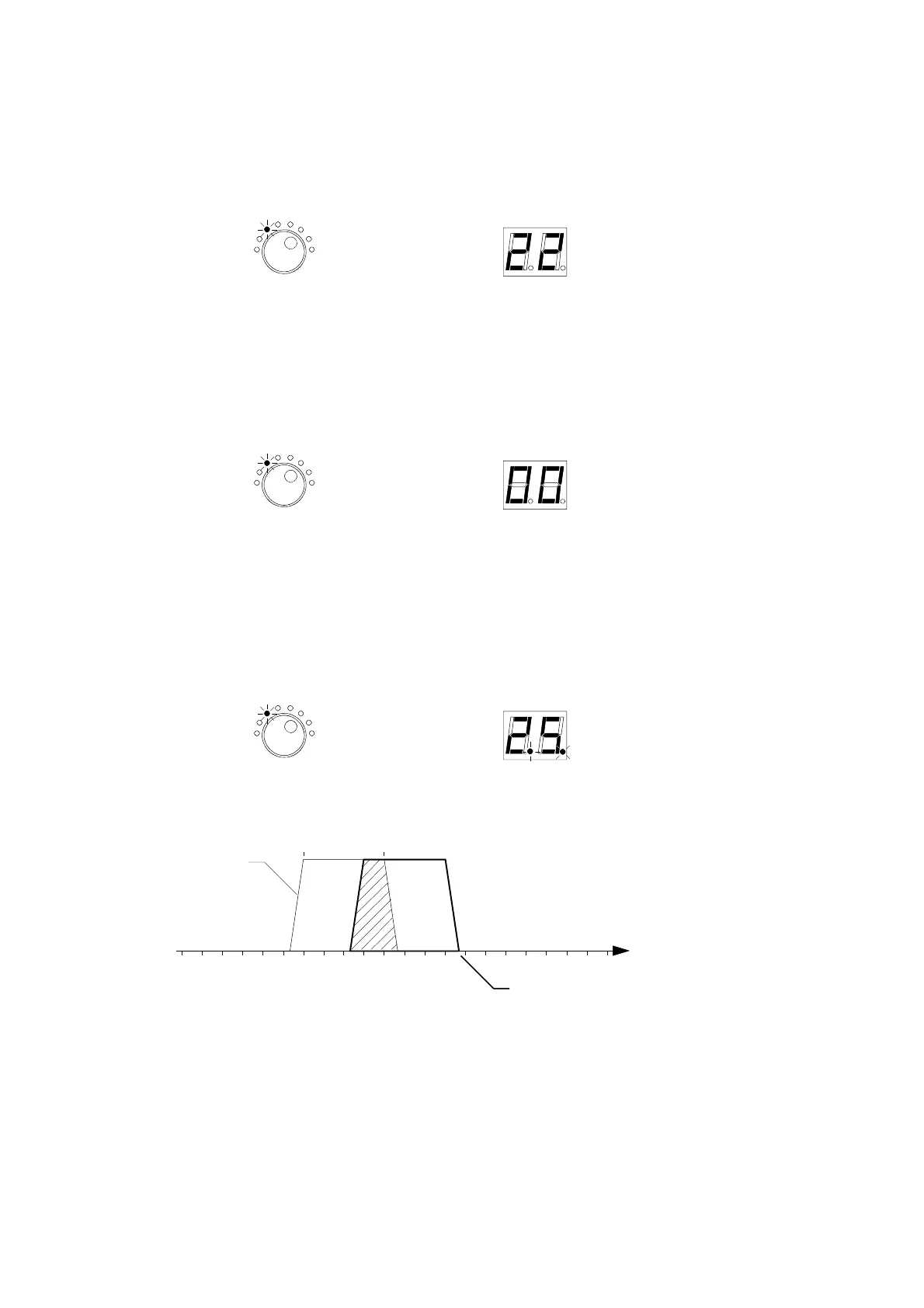
Notes :
- Single channel mode :
When the Start Channel is selected, the Stop Channel is automatically set at the same value.
Start Channel
- Park function : to switch off the cluster, select
Start Channel
and set 00.
The
Stop Channel
goes automaticaly to 00.
Start Channel
Start Channel
- If there are overlapping clusters, the display dots will blink alternately.
channel
ch29
ch25
ch22 ch26
Cluster 1 = ch 22 to ch 26
Cluster 2 = ch 25 to ch 29
cluster 2
cluster 1
- If 2 clusters have the same channel setting, the display dots will also blink.
26


 To Next Page