21
All parameters are set with the rotary push button.
E
ach function and parameters are shown on 2 digits display and different LEDs .
Programming
- Make all the necessary connections and connect amplifier to mains.
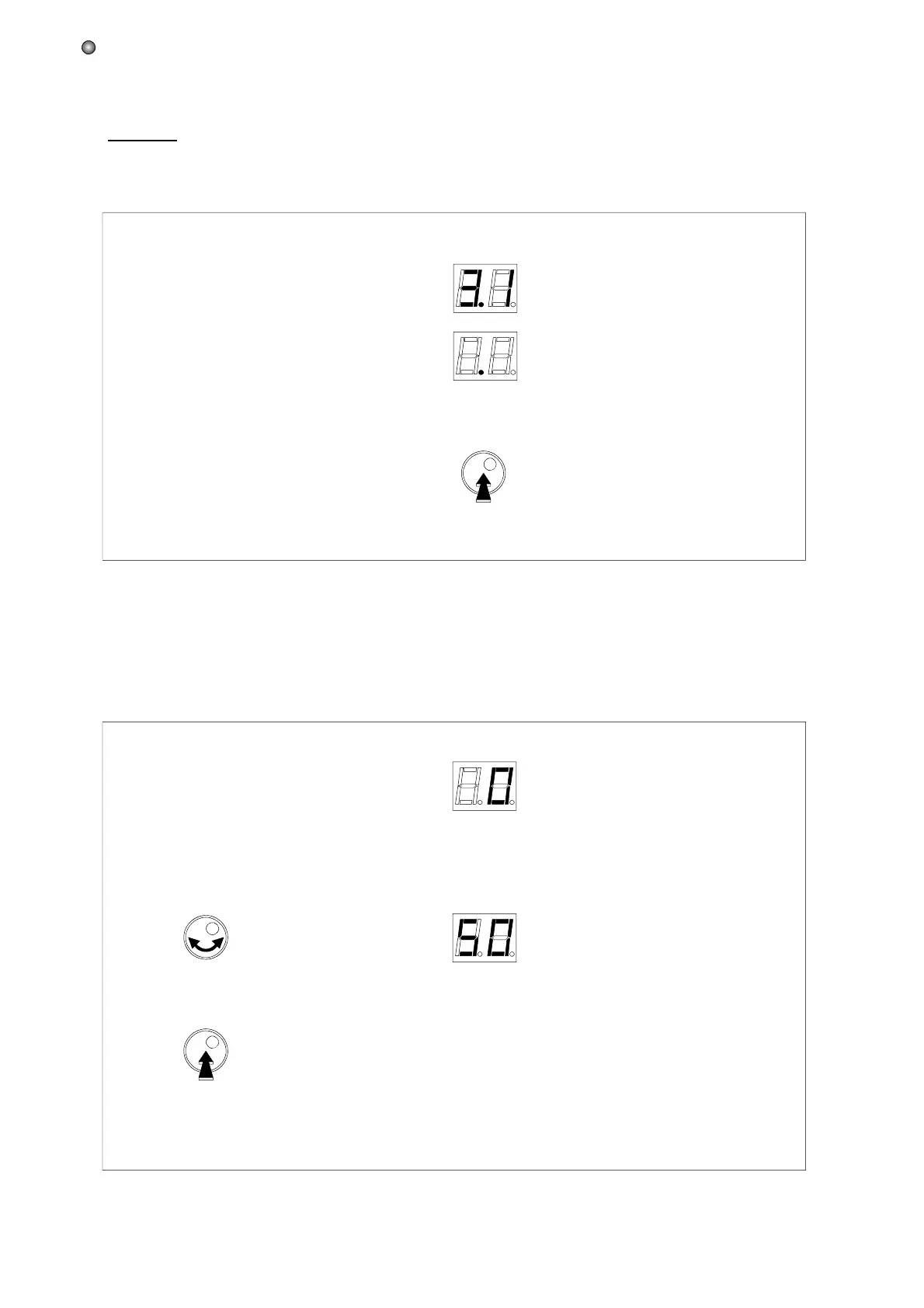
- Push on the rotary button for more than 3 seconds to enter into programming mode.
3 sec.
The software version is displayed,
followed by a dot.
Enter programming mode
is displayed.
- Turn the button to display "50"
- Push the button to confirm the code.
When security code is activated
(see "Exit programming mode" on page 22)
:
ATTENTION !
Note: the security code "50" is fixed and can not be changed.
Operation


 To Next Page