2. Now the different sounds can be selected with either thet numeric keypad or with the
[+] / [-] buttons in the same place.
3. Now you can play with two sounds at the same time
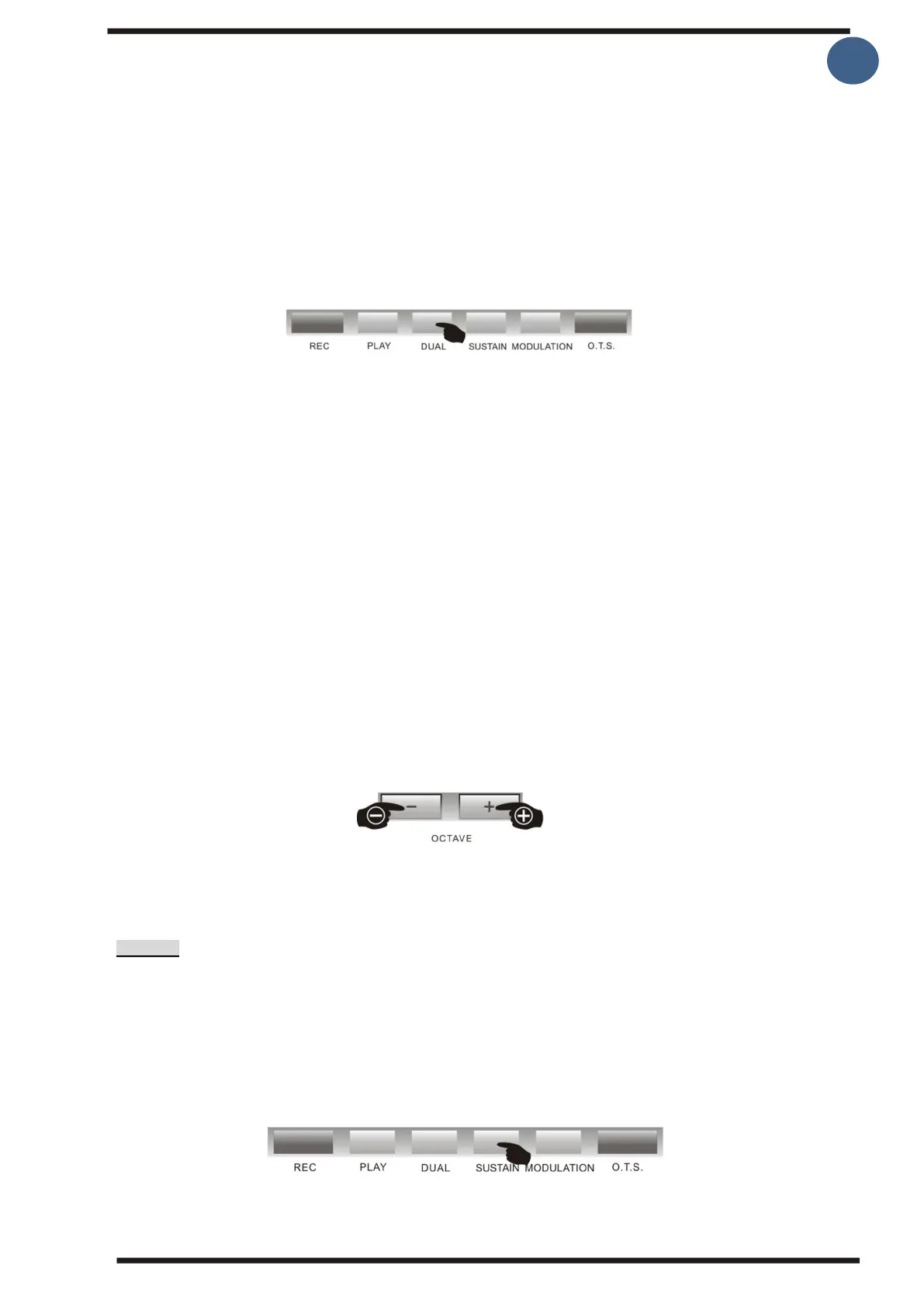
4. Pressing the [Dual voice] button again interrupts the Dual voice function. Now the
display of "DUAL" and "R2" turns off on the screen and you are back to a single sound.
Note:
When the keyboard is in Chord mode, where the keyboard is split up to chords in the left
hand and sound in the right hand, then Dual Voice only works in the right hand.
3.Octave shift
The total sound of the sound in R1 – Dual voice R2 and left hand sound L can be raised and
lowered by 2 octaves
1. Select the sound you want to change the octave on by pressing the [Tone] button
"sound R1", "sound R2" or "sound L" are displayed on the screen.
2.Then press the [Octave+] or [Octave-] buttons
The selected octave value "xxx Octave" appears temporarily on the screen after the octave
function was entered.
By pressing the [Octave+] and [Octave-] simultaneously buttons, the octave value is
restored to the preset value 0.
Note:
When using the octave function, the outer positions on the keyboard may sound incorrect.
This is perfectly normal and it’s because you get outside the normal range for the sound of
the selected instrument.
EFFECTS
1.Sustain
Pressing the [Sustai] button displays "ON SUSTAIN" on the screen. Sustain can add an
extension to the sound, which can make the tone effect of some sounds fuller and make it
more vibrant to play. Pressing the [Sustain] button again turns off the Sustain function.
You can also use a sustain pedal, which can be connected on the back, instead. When the
pedal is pressedd own , it is the equivalent of turning on the sustain and when you release the
pedal, it turns off again.



 To Next Page