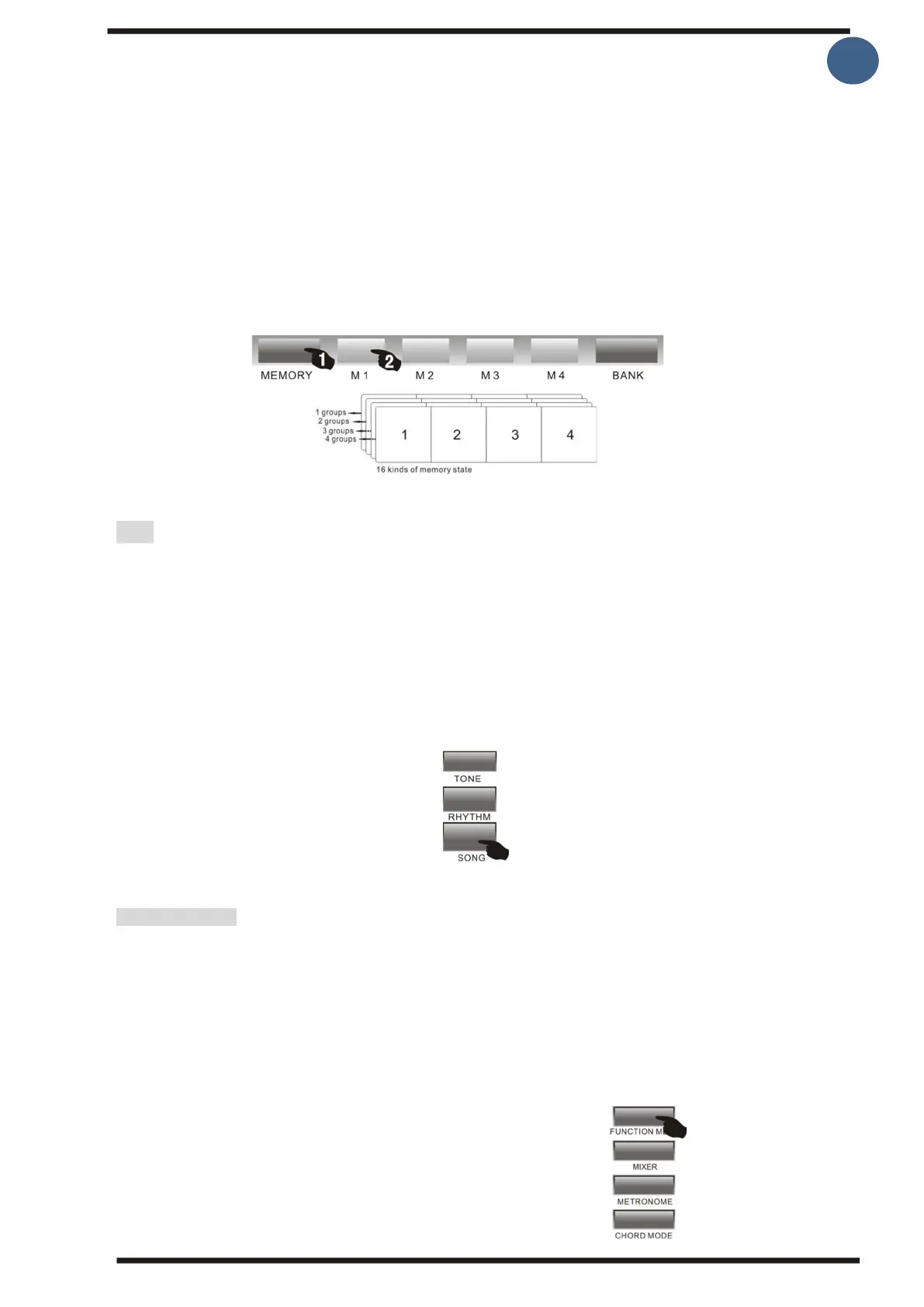
You can make choices in each of the 4 memory groups by pressing the [Bank] button,
"MEM BANK" 01-04 appears on the screen.
By holding down the [Memory] button, and then pressing any button on the M1-M4, "01-
04 BUT. LARGE" appears on the screen, the settings are saved.
This is saved with the recording: Rhythm, sounds, tempo volume and effects. If you save to
a memory position that contained previous data, the new setting will overwrite previous
data.
Song
This keyboard has 120 different tunes built in.
1.Press the [SONG] button to enter the melody playback "SONG" -lights up on the screen.
Start the melody is 001 song.
2.You can choose you want, using the numeric keypad 0-9, [- / +] buttons or data wheel,
the song plays automatically after a few seconds.
3. Pressing the [Song] or [Start/Stop] button can stop playing the song.
Function menu
Press the [Function Menu] button to open the function menu.
By default, the first option is "Metronome type" when the function menu is opened for the
first time after the keyboard has been turned on. It automatically jumps to the next menu
item every time you press the [Function Menu] or [- / +] button. If you go out of the
[Function menu] and back in without the keyboard having been turned off, it will start in
the last selected menu.
These parameters can be set by pressing the [Function menu] button repeatedly. The
specific functional options and parameter ranges are as below.



 To Next Page