Mixer
Playback volume for each part can be controlled independently of each other.
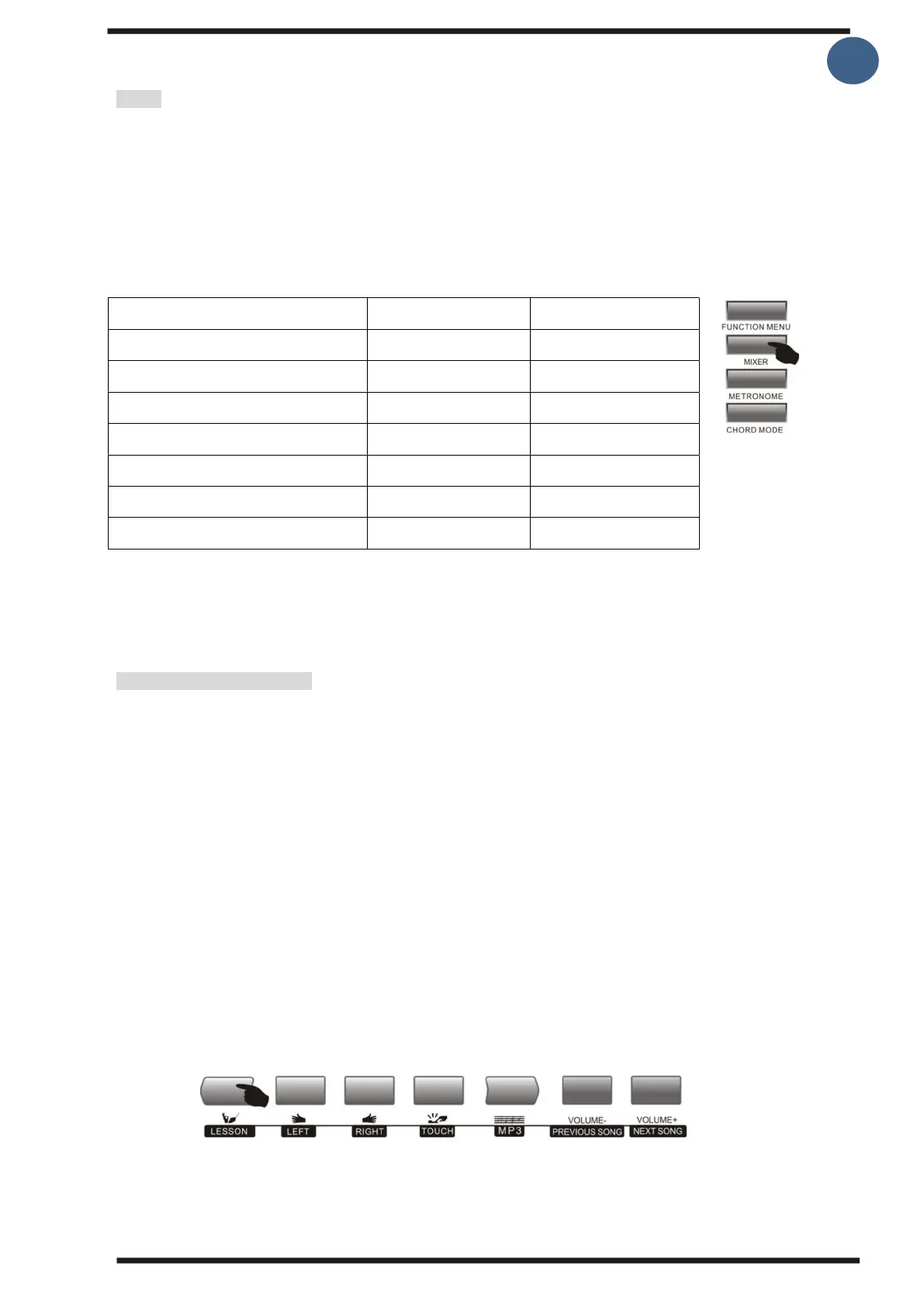
1.Press the [Mixer] button to enter the audio console function menu, the last selected part
appears on the screen.
2.To select the part(s) you want to change , press the [Mixer] button until the part you
want to change the volume is on the screen. Then press the [- / +] button to turn up or
down the volume.
Each party is:
Percussion music track volume
Master voice track volume
Note:
If no buttons are pressed for 3 seconds, the system leaves the function menu.
Melody learning function
The keyboard's learning function consists of these three buttons [Lesson], [Left], [Right],
these buttons are only active in "Song/Melody mode". All songs can be learned in 3 ways:
learning tone length/node values, learning tones, and learning tone length/node values
and tones at the same time. This keyboard can also display nodes on the screen.
1. Go into the Lesson feature
By pressing the [Lesson] button, you enter song learning mode.
2.Choose whether you want to learn how to play left or right hand.
You can select the buttons [Left] or [Right], if you do not choose one, the system right hand
is automatically selected for you.
Note:
The way to learn the left hand is different, based on the different songs. For some
melodies, the left hand will be used to learn chords, while for others it is used learning
parts of melody with the left hand. MIDI songs are not supported by the learning feature.
The sheet music and the chord display area on the screen show melody and/or chords of
melodies when played.



 To Next Page