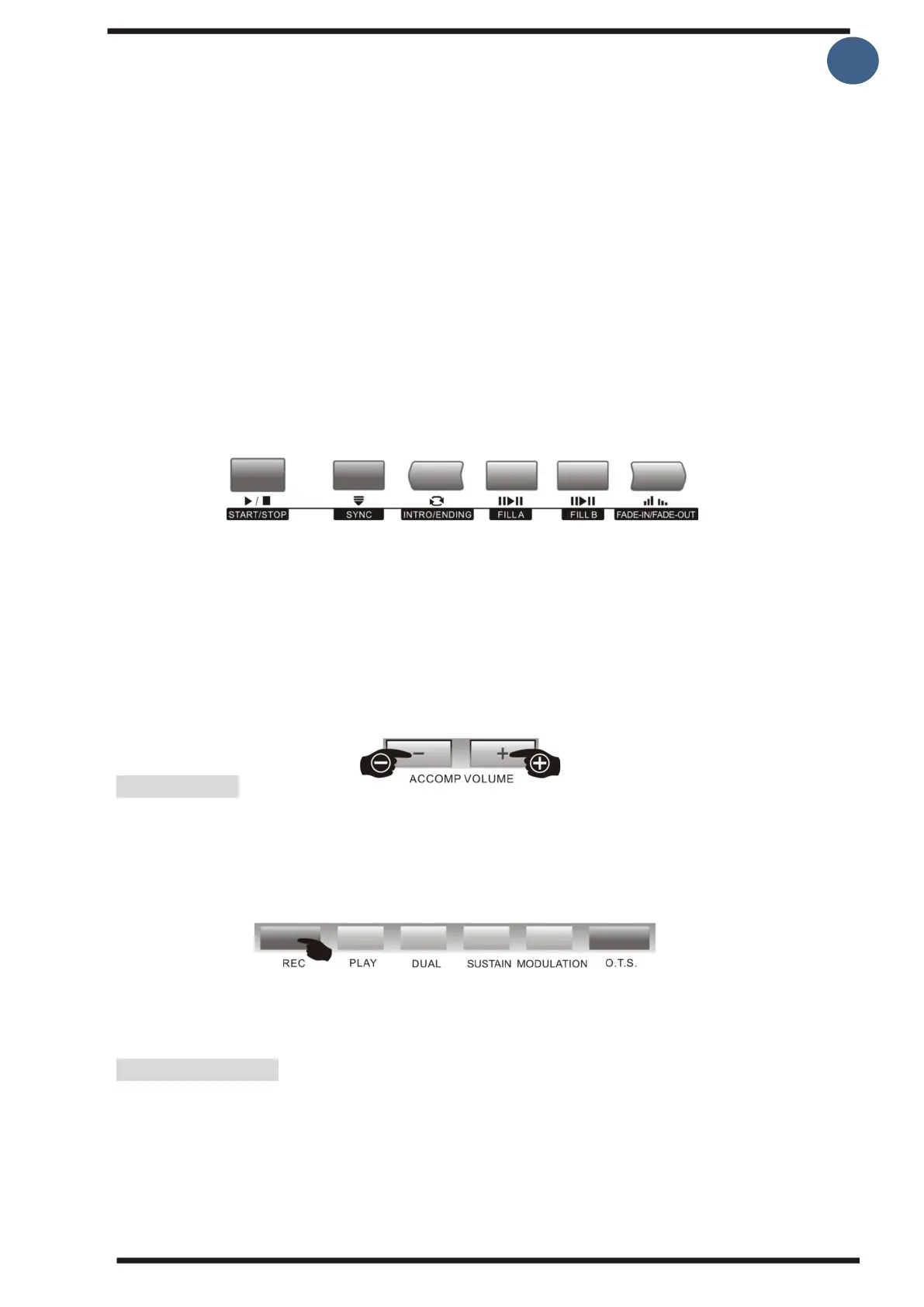
Fade-in/Fade-out:
1.Fade-in
By pressing the [Fade-in/Fade-out] button before starting the beat, the beat will start at low
level and then gradually reach normal level.
2.Fade out
By pressing the [Fade-in/Fade-out] button while playing, the rhythm will gradually decrease
until it is completely gone and the rhythm stops.
3.Fade-in/Fade-out time
The default time for fade-in/fade-out is 10 seconds.
3. Adjust the volume of the accompaniment:
This keyboard has a total of 33 levels (0-32) to adjust the rhythm/accompaniment volume.
The volume can be adjusted by pressing the [Accomp volume +/-] buttons that appear briefly
on the screen when you make the adjustment. Pressing the [Accomp volume +/- [ Buttons at
the same time closes the accompaniment volume on the screen.
Record function
Pressing the [Record] button prepares the keyboard to record. When you press the [Play]
button, the recording starts and it stops automatically when you stop playing.
The recording space is 62Kb.
Registration memory
This instrument has registration memory function, which can be used to store your most
preferred settings. The settings can be easily and quickly both saved and retrieved when
you need to. There are 4 memory groups (banks) with each 4 registration slots, giving you
a total of 16 different places to store.



 To Next Page