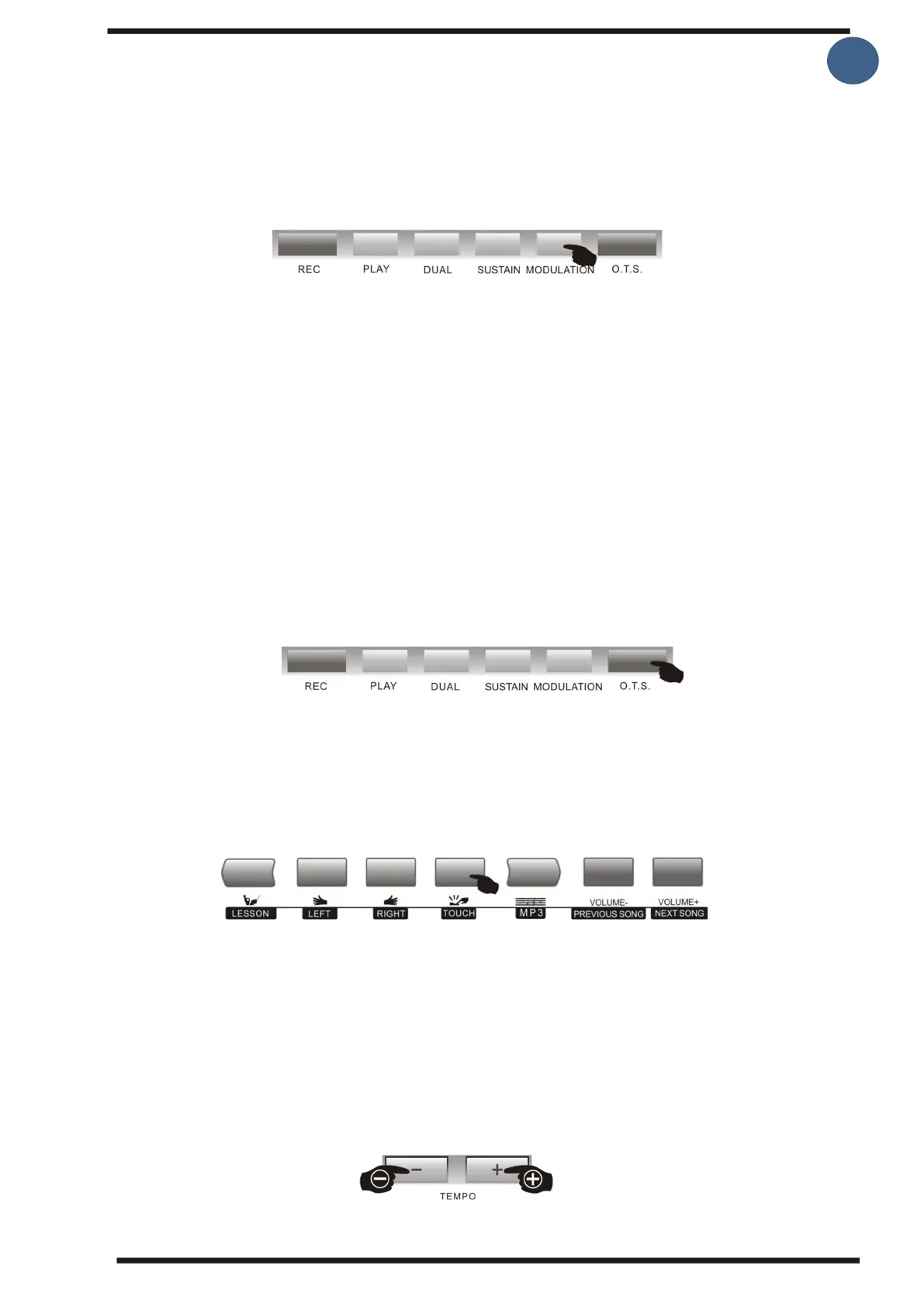
2.Modulation
By pressing the [Modulation] button displayed "ON MODULE" on the screen, there we now
have vibrato effect on the sound if you play keys now. Press the [Modulation] button again
to end the vibrato function.
3.O.T.S. (One-touch option)
It is not always easy to choose an appropriate tone to play with the different
accompaniments. O.T.S is many times the easiest way to solve this problem. You only need
to press a key and the keyboard will choose a sound that matches the selected auto-
accompaniment style. Press the [OTS] button to set the automatic accompaniment tone,
Effects, and settings that best fit.
By activating O.T.S. mode, it turns on the chord mode function (where you play chords with
your left hand). You can now start playing and the keyboard selects the sound based on
which rhythm/accompaniment you choose
The O.T.S. setting contains the following parameters:
Sounds, both R1, Dual R2 and left hand L, as well as volume, reverb and chorus effects
4. Touch (Key sensitivity)
The [TOUCH] button allows you to choose whether or not the keyboard should be Touch-
sensitive. If [TOUC] is active, the key sound level will change depending on whether you
press hard or softly on the tangent, where against the sound level will be the same no
matter how hard you press if [TOUCH] is off.
5.Tempo
By pressing the [Tempo +/-] buttons, you can adjust the tempo of the
beat/accompaniment. The adjustment range is between 30-280, the selected tempo value
appears on the screen when you make pace adjustment.
Pressing the [Tempo +/-] buttons at the same time restores the default value Tempo of the
selected beat immediately.



 To Next Page