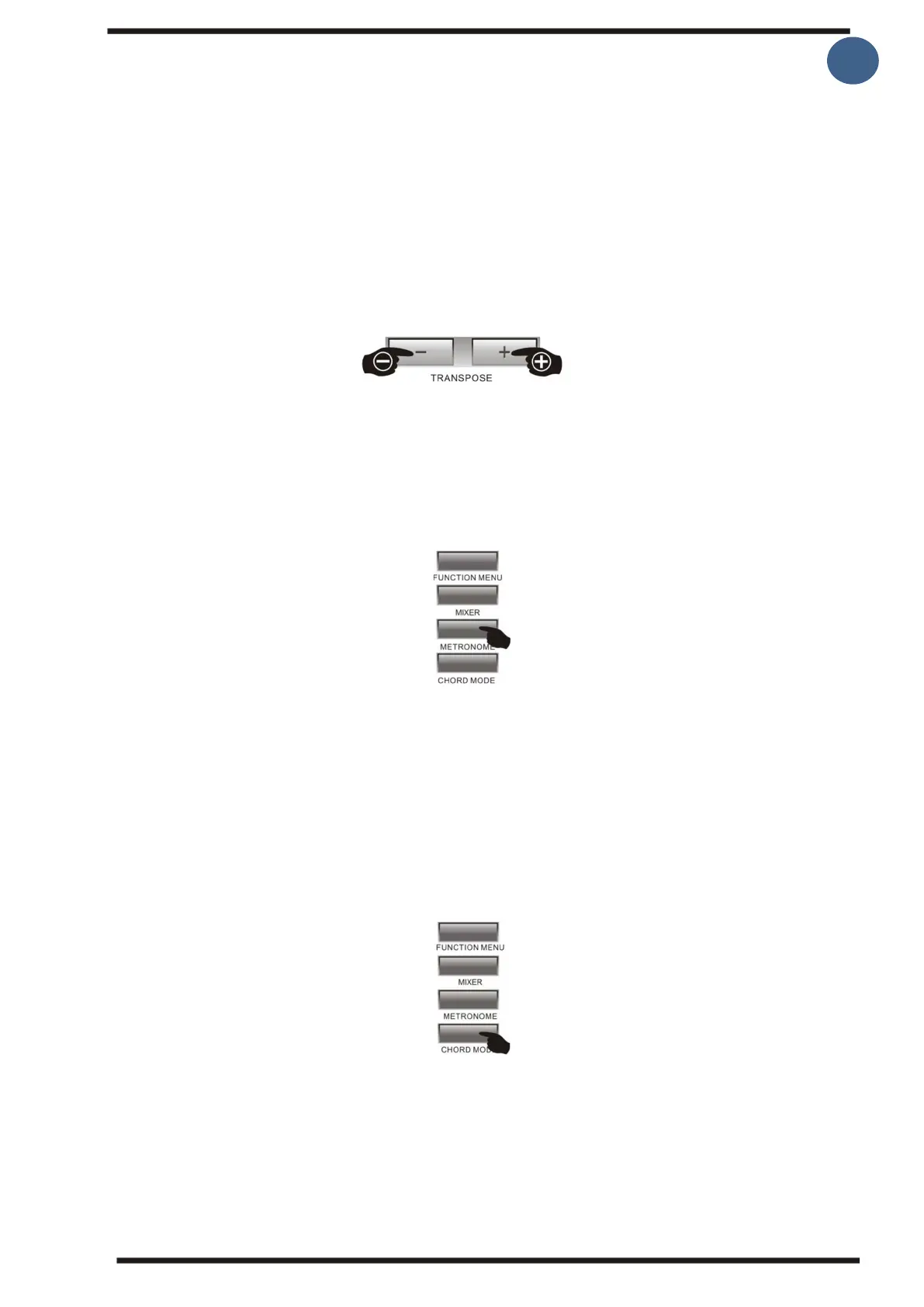
6. Transpose
The tones of the entire keyboard can be raised or lowered by halftones by pressing
[Transpose +/-] buttons. You can raise or lower ± 12 halftones. When the [Transpose +/]
buttons are pressed at the same time, the transpose's original value is restored 0. When the
keyboard is turned on, the starting value is always 0
This function can be used, for example, if you are two persons playing together and you
play the melody in two different keys, or if you can play a melody, but the key is too high
or low for you to sing, then you can change the key up or down until it fits together.
7.Metronome
Pressing the [Metronome] button displays the Beat selection on the screen. You can select
beat from "Function Menu" to set the metronome's beat. In the function menu you can
select the stroke by pressing the [+/-] buttons or the rotating data wheel is the selection
area 0,2,3...9. The metronome can also be used when playing with a rhythm/
accompaniment.
8.Chord mode
By pressing the [Chord mode] the accompaniment functions starts, this enables you to play
chords in the left hand which controls the accompaniment. You can choose either A.B.C.
Chord mode (single finger chord, 3 or more note chord) Full range chord (three-note or
more chord all over the keyboard).



 To Next Page