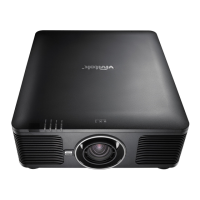
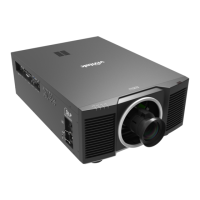
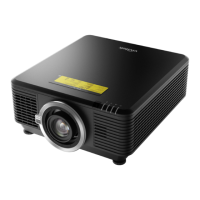
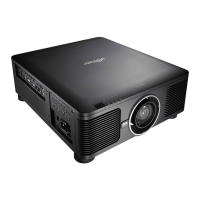
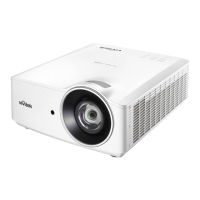
DU6771 DLP Projector User Manual
21
UN67711216EN00
Correcting Keystone Distortion
When the image is projected either from the top or from the bottom toward the screen at an angle, the image becomes
distorted. Use Keystone function to correct the distortion, the adjustable range is approximately+/-30 degree. The
following are conditions under which the maximum angle is achieved:
When the standard lens is used.
When the lens shift is set to the center point.
The mage is projected in Wide mode.
Select the Keystone adjustment then use◄ or ► to correct the distortion, the adjustable value in horizontal and vertical
direction is ±30. The illustration is as below.
Horizontal Keystone:
Vertical Keystone:
Beside correcting keystone H and V Keystone by separate, you can use H and V keystone combination to correct the
distortion. In this case, the effective range may be limited.
You can correct the geometry distortion either by Keystone or Corner Adjustment function, only one
correction can be used for projected image. When one of two functions is used, the setting by another
function will be reset.



 To Next Page