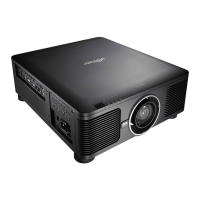
DU6771 DLP Projector User Manual
39
UN67711216EN00
Color Space
This function allows you to change the corresponding color space for the input signal. In most cases, the correct color
space can be selected automatically by Auto mode. If the selection is not correct, you can use a specific color space
forcibly by selecting one of the following options:
Auto: The projector detects the input signal and switches to the corresponding color space automatically.
YPbPr: Set the color space to ITU-R BT.601.
YCbCr: Set the color space to ITU-R BT.709.
RGB-PC: Use the RGB color space and set the black to 0, 0, 0 RGB while set the white to 255, 255, 255 RGB (if an
8-bit image is used).
RGB Video: Use the RGB color space and set the black to 16, 16, and 16 RGB while set the white to 235, 235, 235
(if an 8-bit image is used) to correspond to the luminance value defined in the digital component standard.
Aspect Ratio
This function allows the user to adjust the aspect ratio of the image.
Overscan
Noise may appear on the edge of the projected image, use this function to select Crop to hide the edge of the image or
Off to display the original image.
Background
Use this function to specify the image to be displayed on the screen when no signal is input. You can select the Logo,
Blue or Black.
Test Pattern
The built-in image is provided for installation and adjustment. You can select Test Pattern on OSD or the TEST
PATTERN button on the remote control to display the test pattern menu, use ◄► or ▲▼ to select desired test
pattern.
VGA Setup
Set the H Total, H Start, H Phase and V Start for the VGA signal display.
Auto Sync
You can use this function to set auto synchronization for the input signal.
Auto: The projector memorizes 10 sets of signal sources that you have used lately. When the Auto option is selected,
the projector will choose the signal that you use last
Always: The auto sync function is executed every time.
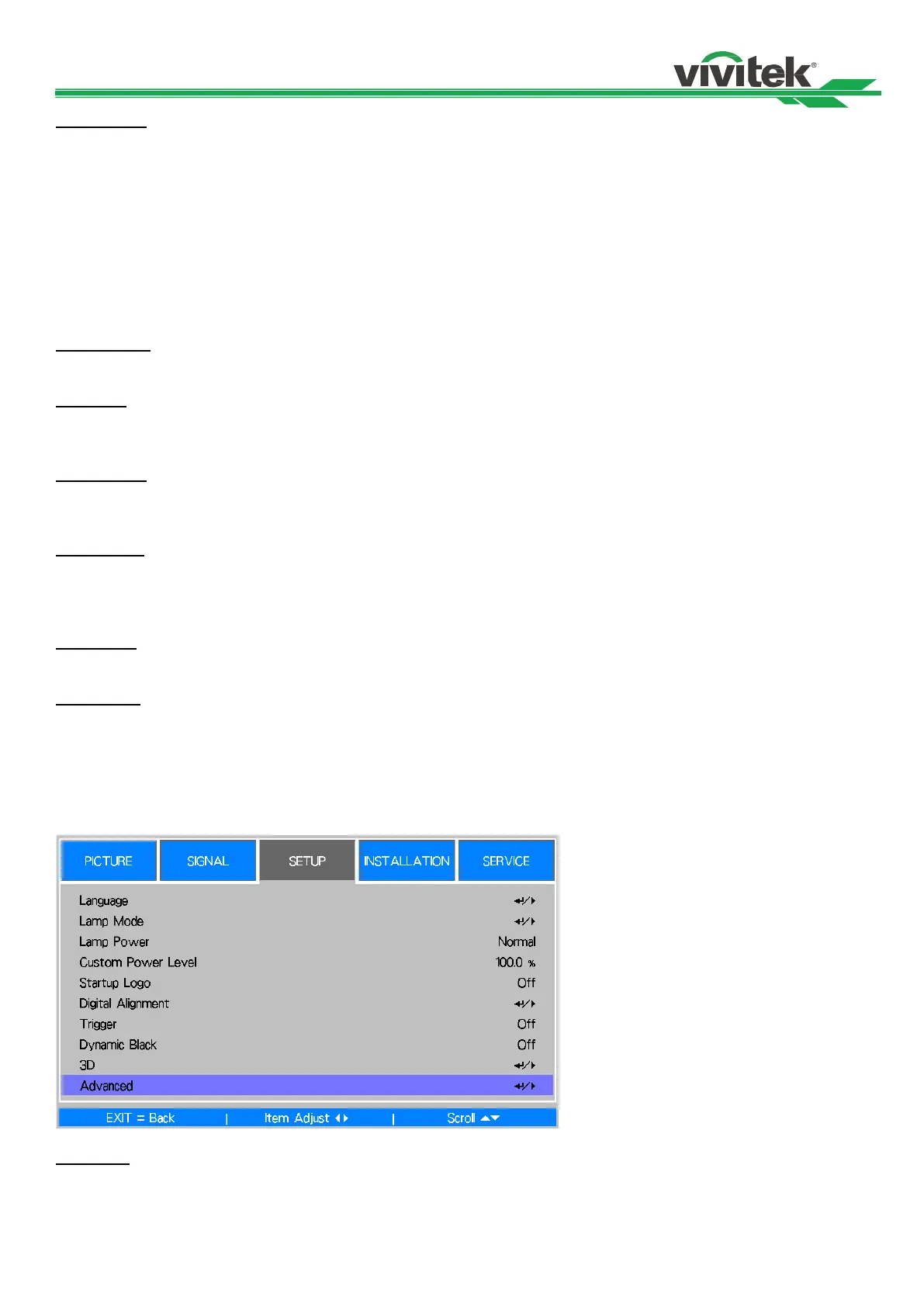
OSD Operation - SETUP
Language
Select the familiar OSD Menu language. English, French, Spanish, Deutsch, Portuguese, Simplified Chinese,
Traditional, Japanese and Korean.



 To Next Page