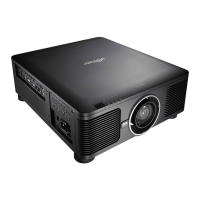
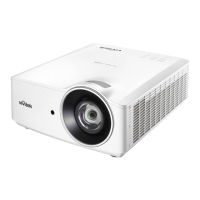
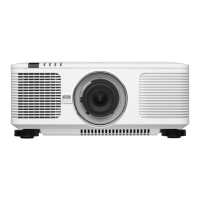
DU6771 DLP Projector User Manual
27
UN67711216EN00
Making Connections
Follow the instructions below to connect the projector to the video source, external control equipment (if any). When
connecting to the equipment, use the correct signal cable to connect to the signal source and ensure that the cable is
securely connected. Fasten the nut on the joint and connect the signal source equipment to the projector according to
the figure below.
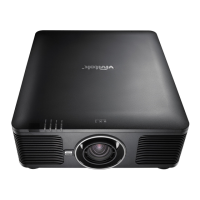
Connecting to Personal Computer
You can connect the PC signal to be projected to the projector through the DVI-D, HDMI, VGA or RGBHV (BNC) cable.
If the signal to be input is VGA signal, connect the VGA cable to the external display to simultaneously monitor the
projected content.
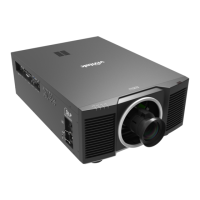
Connecting to the Video Device
Connect the video equipment to the input port of the projector via the DVI-D, HDMI, Component Video, Composite
Video or S-Video Connector.



 To Next Page