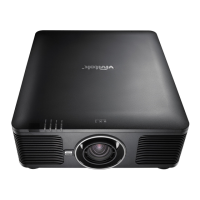
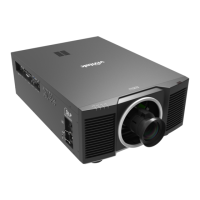
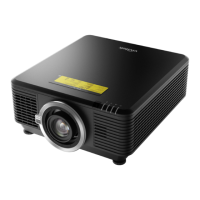
DU6771 DLP Projector User Manual
36
UN67711216EN00
OSD Operation - PICTURE
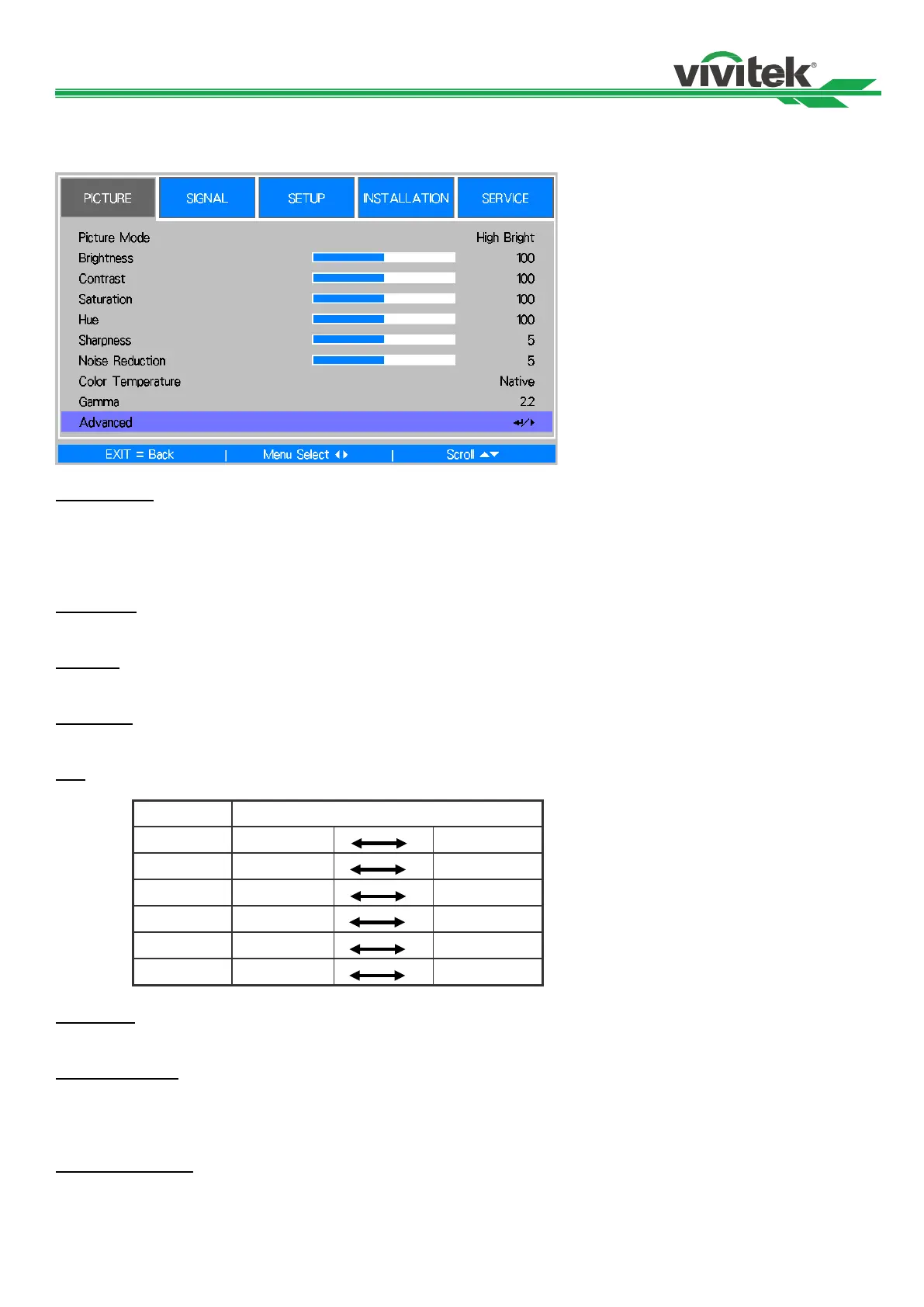
Picture Mode
Use ◄ or ► to select a set of preset picture mode
High Bright: The highest brightness output mode is suitable for the occasion where high brightness is needed.
Presentation: The best image effect is suitable for the presentation or picture.
Video: The best color mode is suitable for play of the video.
Brightness
Use ◄ or ►to increase or decrease the brightness of the image.
Contrast
Use ◄► to adjust the contrast of the projected image.
Saturation
Use ◄► to adjust the saturation level of the color (the higher the level, the higher the saturation.
Hue
Use ◄► to adjust the level of hue for reproduction of the true color.
Main Color
R Magenta
Yellow
G Yellow
Cyan
B Cyan
Magenta
C Green
Blue
M Blue
Red
Y Red
Green
Sharpness
Use ◄► to adjust the sharpness. The purpose of this adjustment is to change the value of the high-frequency detail.
Noise Reduction
Use ◄► to adjust the noise of the projected image. This function is suitable for removing the noise of the image in
interlaced scanning input. Generally, noise reduction can lower the value of the high-frequency detail and make the
image softer.
Color Temperature
Use ◄► to adjust the color temp of the projected image, the option can be 5400K, 6500K, 7500K, 9300K and Native.



 To Next Page