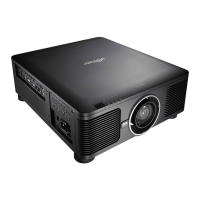
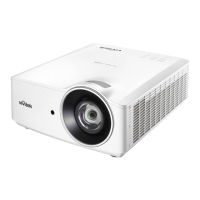
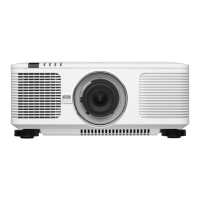
DU6771 DLP Projector User Manual
22
UN67711216EN00
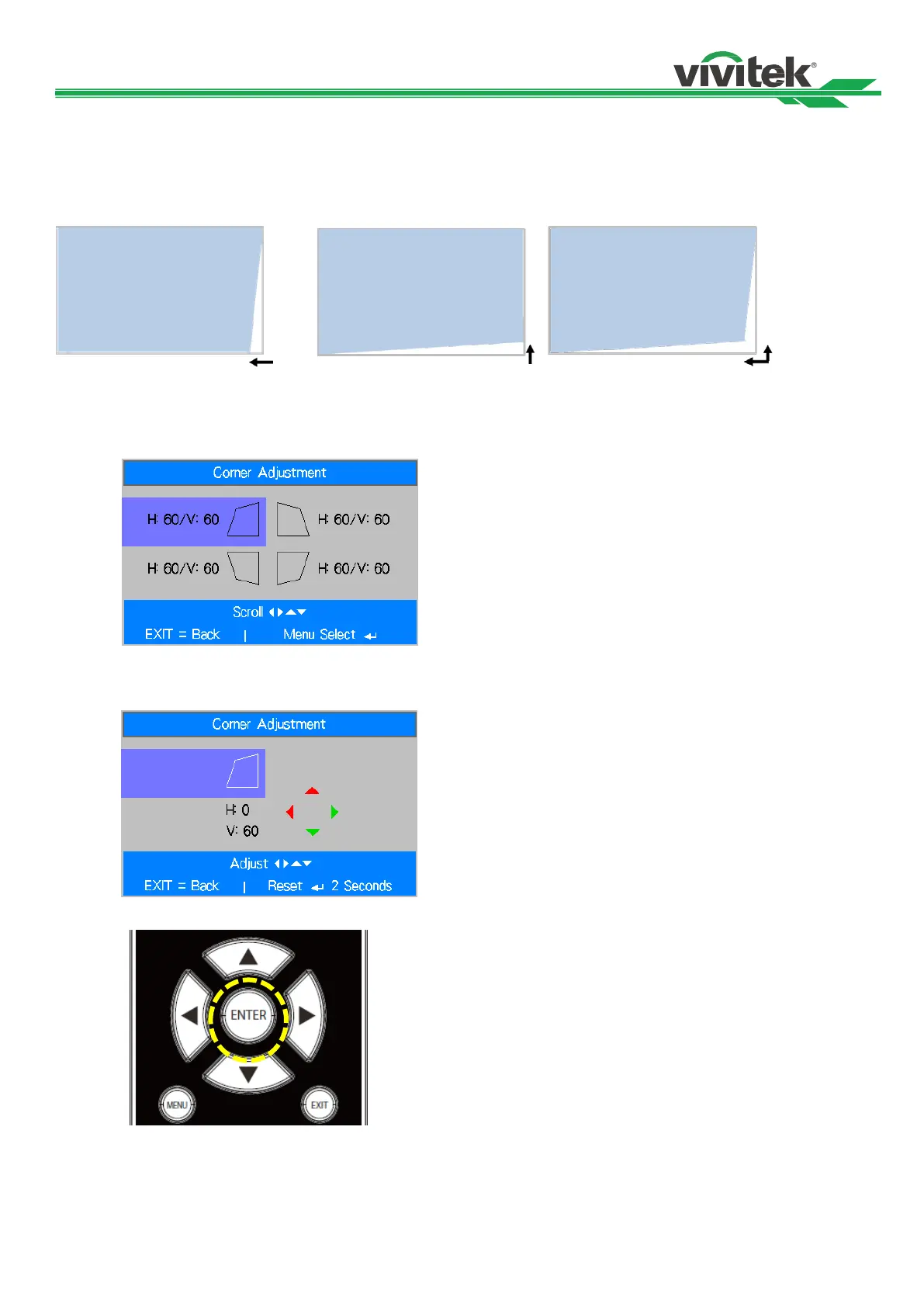
Correcting Distortion at the Corner
This function allows you to adjust the individual corner as below figure
Horizontal direction of the corner Vertical direction of the corner Horizontal and vertical direction of the corner
Follow below steps to adjust the corner
1. Select Corner Adjustment option on Installation page.
2. Use ▲or▼ to enter the Corner Adjustment page then press the arrow button to select the corner
3. Press Enter button then use ▲ or ▼ to adjust vertical direction of the corner and ◄ or ► to adjust
horizontal direction of the corner.
4. Press and hold the Enter button around 2 seconds to reset the corner adjustment.
5. Press Exit to return to last menu or MENU button to close the menu.



 To Next Page