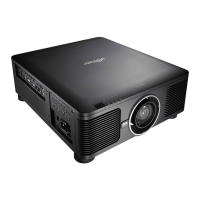
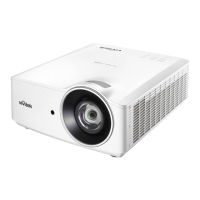
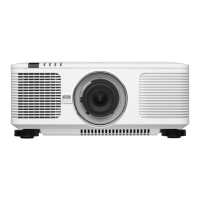
DU6771 DLP Projector User Manual
6
UN67711216EN00
Projector Overview
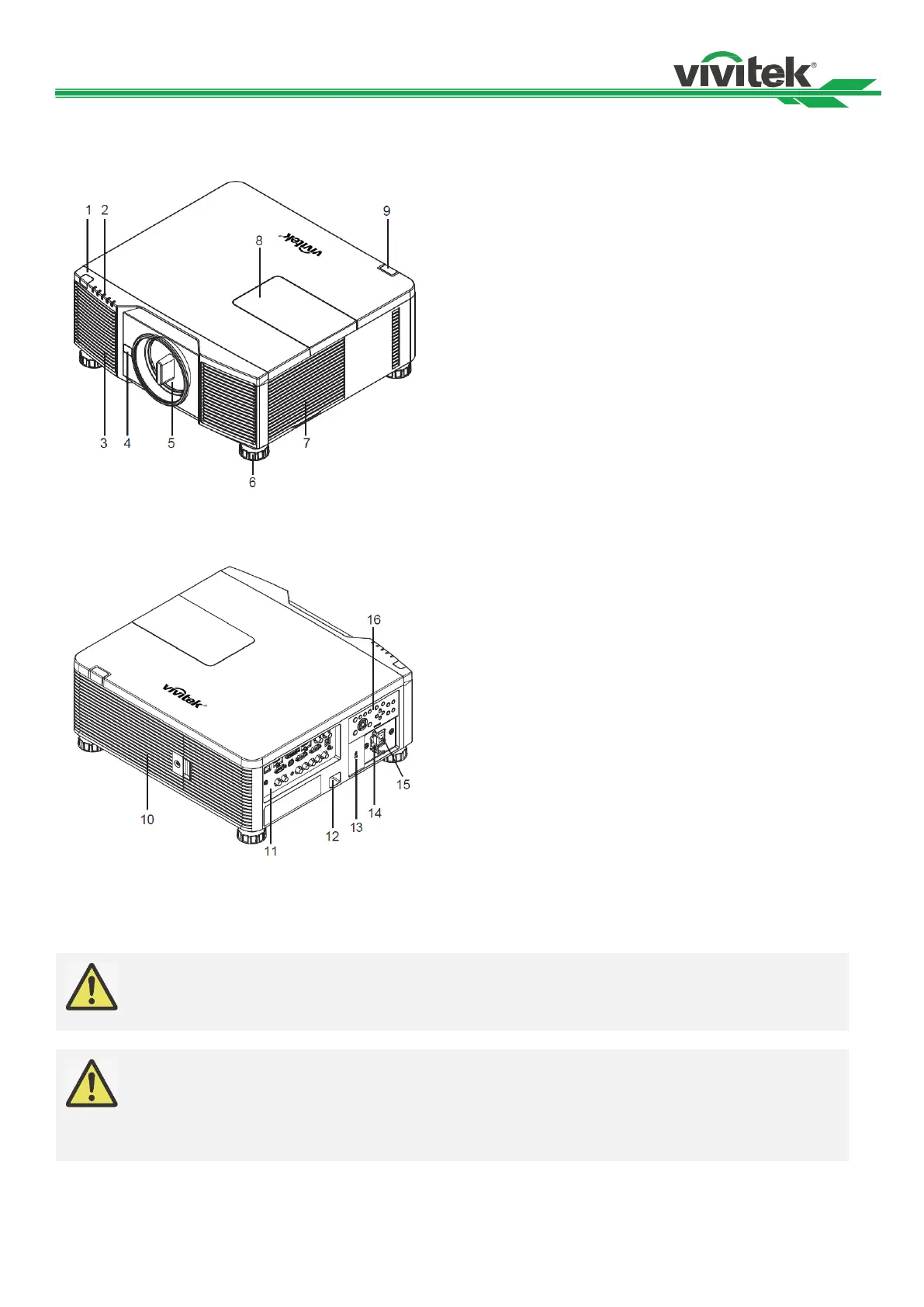
Front-right View
The Receiver for IR signals from remote control.
2. LED Indicator
Display current projector status such as power, light
source status and warning.
3. Air Intake
The fan pulls the cool air to the projector for system
cooling.
4. Lens Release Button
Press the Lens Release button before removing the lens.
5. Lens hood
Remove the cover before installing the lens.
6. Height Adjuster
Adjust level of projector by four adjusters.
7. Intake Vent
The fans inside the projector suck the fresh air to cool the
projector.
8. Color Wheel Cover
Remove the cover for replacing the color wheel module.
9. Rear IR Receiver
The Receiver for IR signals from remote control.
Heat is discharged from the projector via the vent. Make
sure that the vent is not blocked by the object.
11. I/O Panel
Connect to various input, control or output terminals to the
projector.
12. Security Chain Slot
Insert the security cable or wire commercially available
into the security chain slot for preventing unauthorized
removal of the projector.
13. Kensington Lock
Attach the projector to a permanent object with the
Kensington slot.
14. AC Inlet
Connect the supplied power cable to this inlet.
15. AC Power Switch
Turn on/off the AC power of the projector.
16. Control Panel
Press the button to operate the OSD menu or adjust the
lens settings, see OSD controls.
The air passes through grill openings on the projector is for good air circulation. Do not obstruct any
of the grill openings and keep the required distance from any object
Note for color wheel door
The product is with changeable color wheel feature; it can detect which kind of the color wheel is
installed in the projector then switch to corresponding firmware for operation automatically. Please
contact with your local dealer for ordering optional color wheel.
The product is with sealed optical engine for



 To Next Page