VIVOTEK
User's Manual - 83
Media > Video
► All the items in the “Region of Interest” should not be larger than the “Output Frame Size“ (current
maximum resolution)�
■ The parameters of the multiple streams:
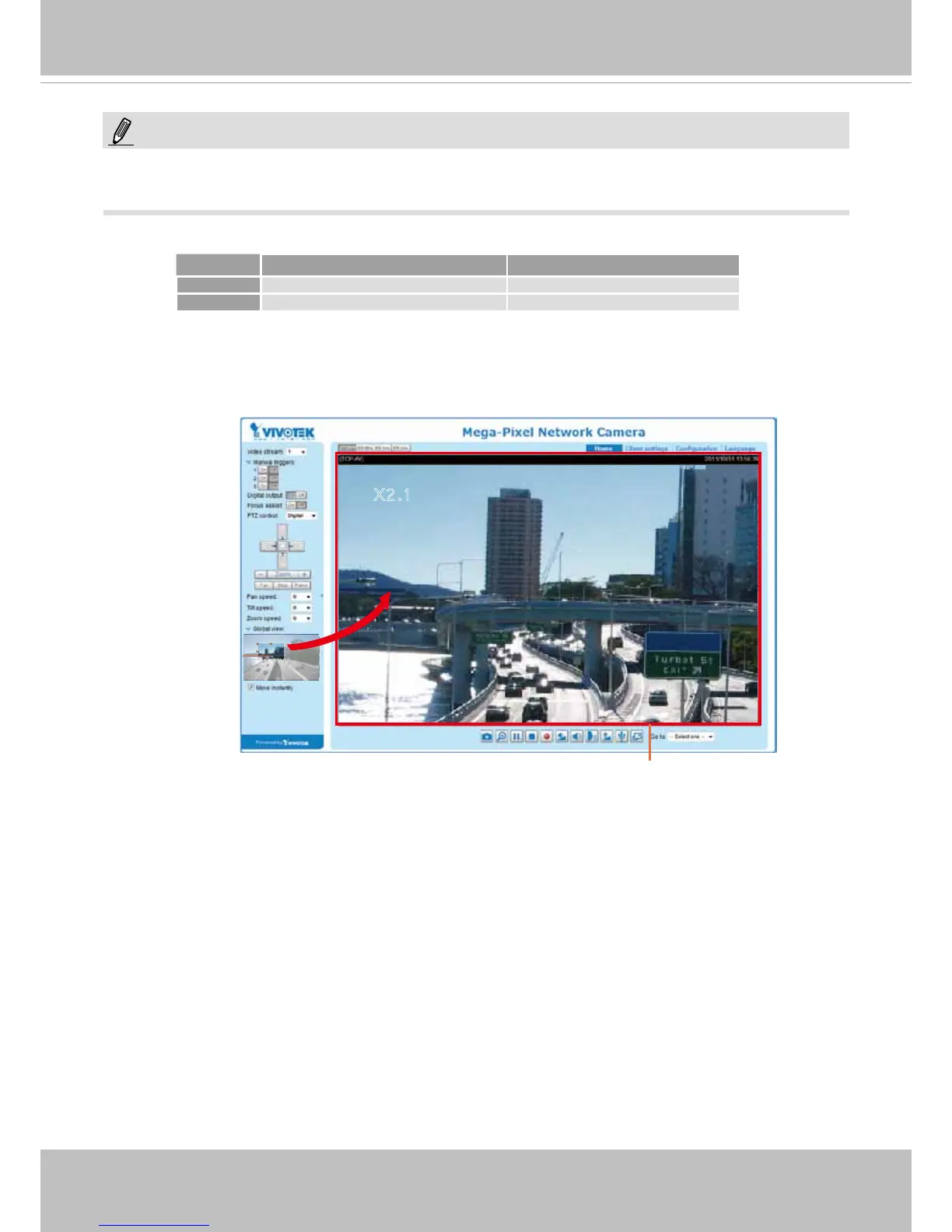
When completed with the settings in the Viewing Window, click Save to enable the settings and click
Close to exit the window� The selected Output Frame Size will immediately be applied to the Frame
size of each video stream� Then you can go back to the home page to test the e-PTZ function� For more
information about the e-PTZ function, please refer to page 88�
Region of Interest
(Viewing Region)
Output Frame Size
(Size of the Live View Window)
X2.1
Region of Interest Output frame size
Stream 1 1280 X 800 ~ 176 x 144 (Selectable) 1280 X 800 ~ 176 x 144 (Selectable)
Stream 2 xed xed
NOTE:











 To Next Page