VIVOTEK - Built with Reliability
User's Manual - 105
There are conditions that disk drives will not be available for storage conguration:
1. The disk drives are performing the Verify process.
2. The disk drives considered as "failed" drives by the S.M.A.R.T. self detection.
3. The NVR does not support disk drives in an external storage enclosure.
IMPORTANT:
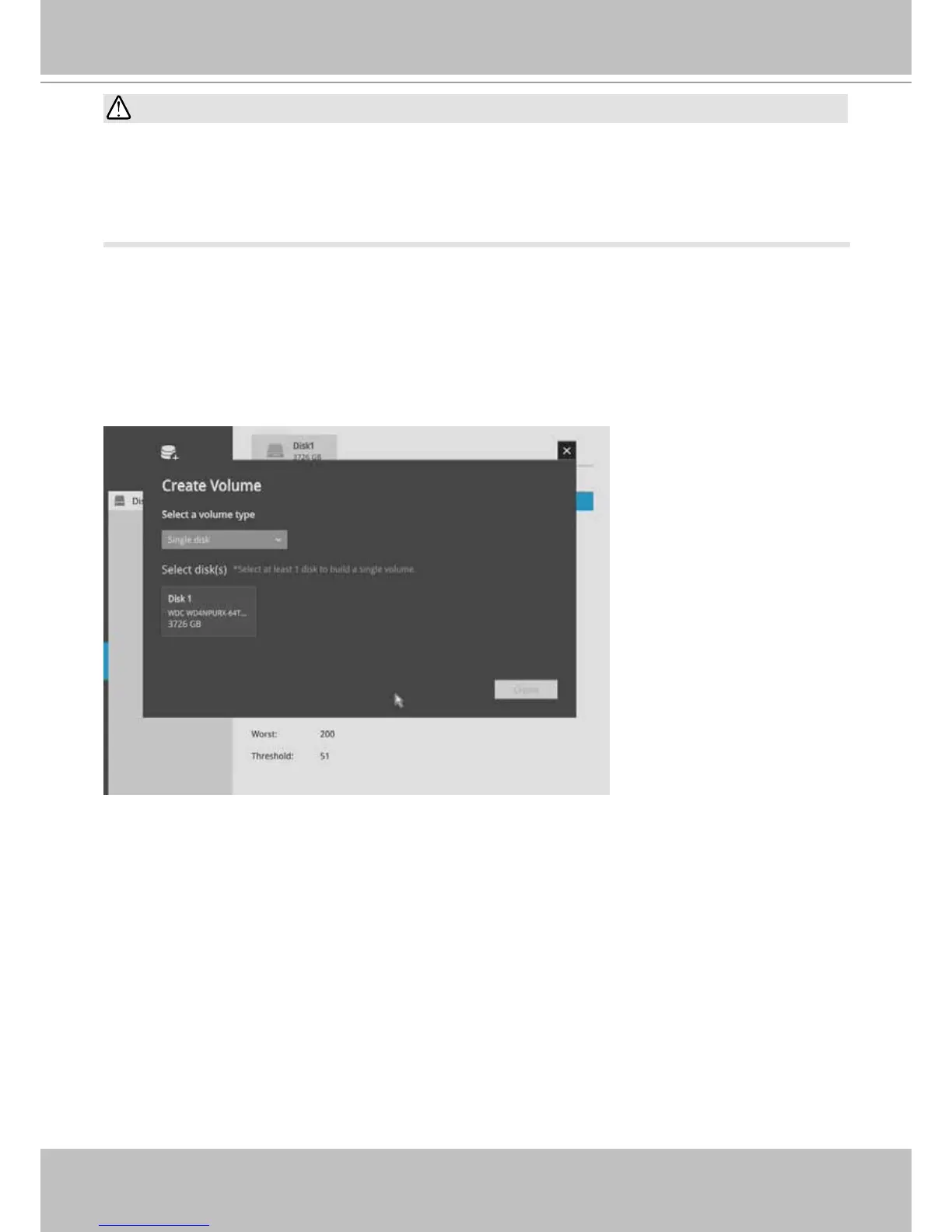
If you have not created a storage volume during the initial setup, you can manually create a
volume. To create a volume:
1. Click on the Create Volume button on top of the listed disk drives. The Create Volume
window will prompt



 To Next Page