VIVOTEK - Built with Reliability
User's Manual - 111
3-4-19. Settings - Network
Settings - Network - Connection mode
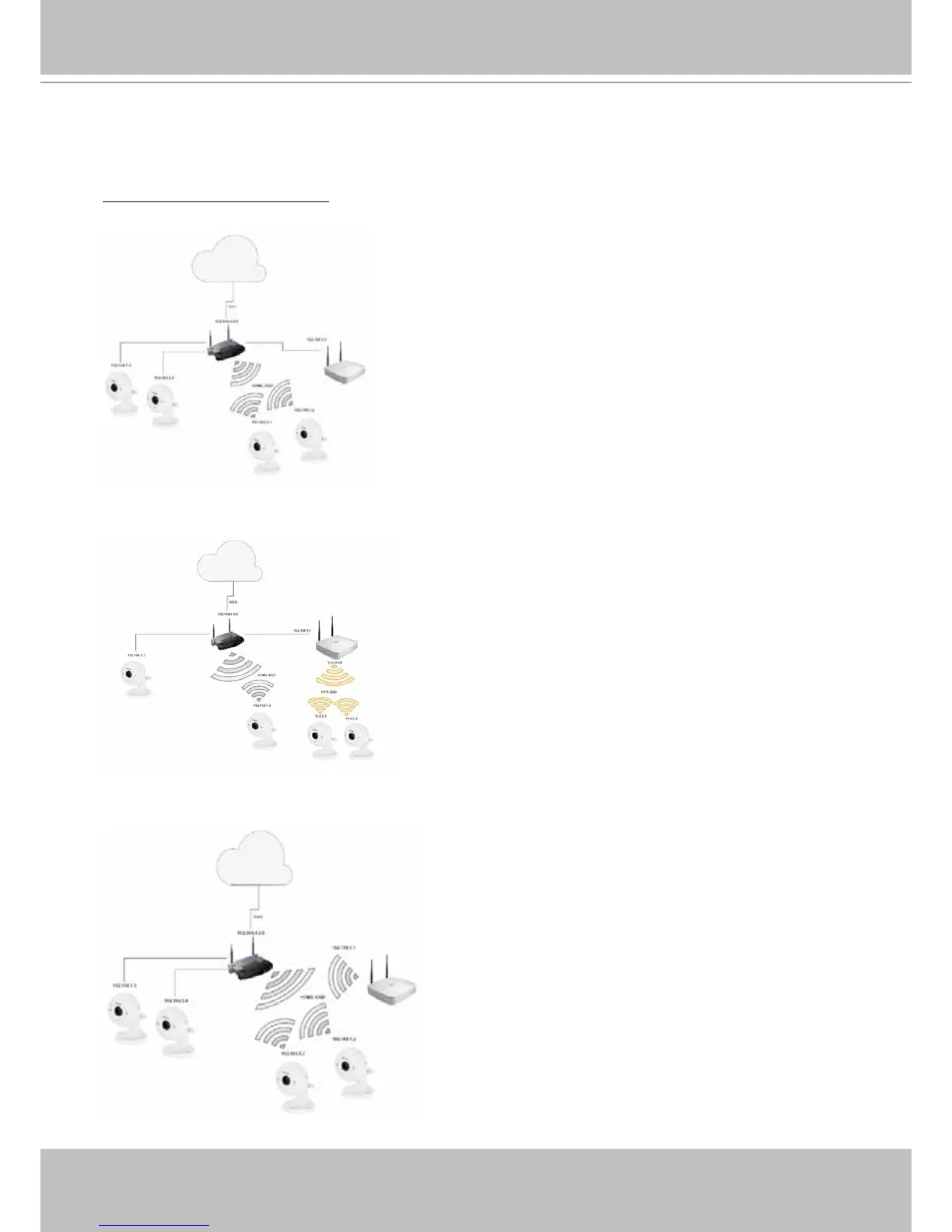
There are 3 Connection modes:
1. Ethernet cable - NVR connects to local router via a wired connection.
2. Access point (AP) - NVR serves as an AP, and connects to local router via a wired connection. This
mode allows wireless cameras to directly connect the NVR.
3. Station - NVR connects to a router via the Wi-Fi connection.
The default SSID and password for the NVR are:
”VVTK-XXXXXX/VVTK-XXXXXX”,
where XXXXXX stands
for the last 6 digits of the system MAC address.



 To Next Page