VIVOTEK - Built with Reliability
34 - User's Manual
The Playback window will prompt, and a playback begins from the point in time you selected,
e.g., 30 seconds ago. This function allows you to quickly review what has just happened.
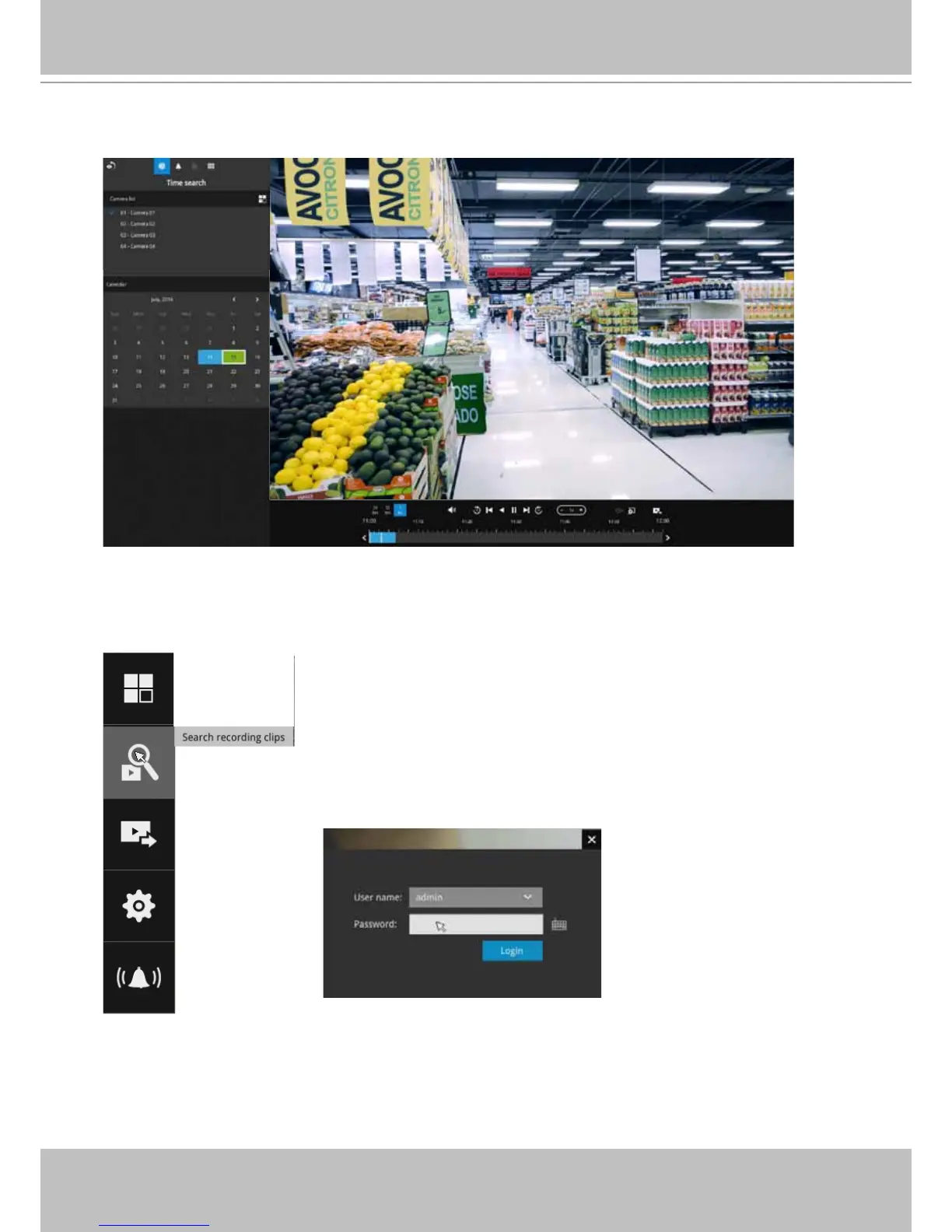
3-2. Another way to access past recorded videos is to open the Search recording clips
window. Move your mouse cursor to display the Conguration Portal (without selecting
any view cell). Click on the Search recording clips button. Please refer to page 47 for more
information about the search functions.
You will be prompted for User name and Password, enter admin
and admin (the default user name and password) and click Login.
It is highly recommended to change the password after you log in.



 To Next Page