VIVOTEK - Built with Reliability
User's Manual - 71
You can refer to the User Manuals that come with your network cameras for more
discussions of these congurable options.
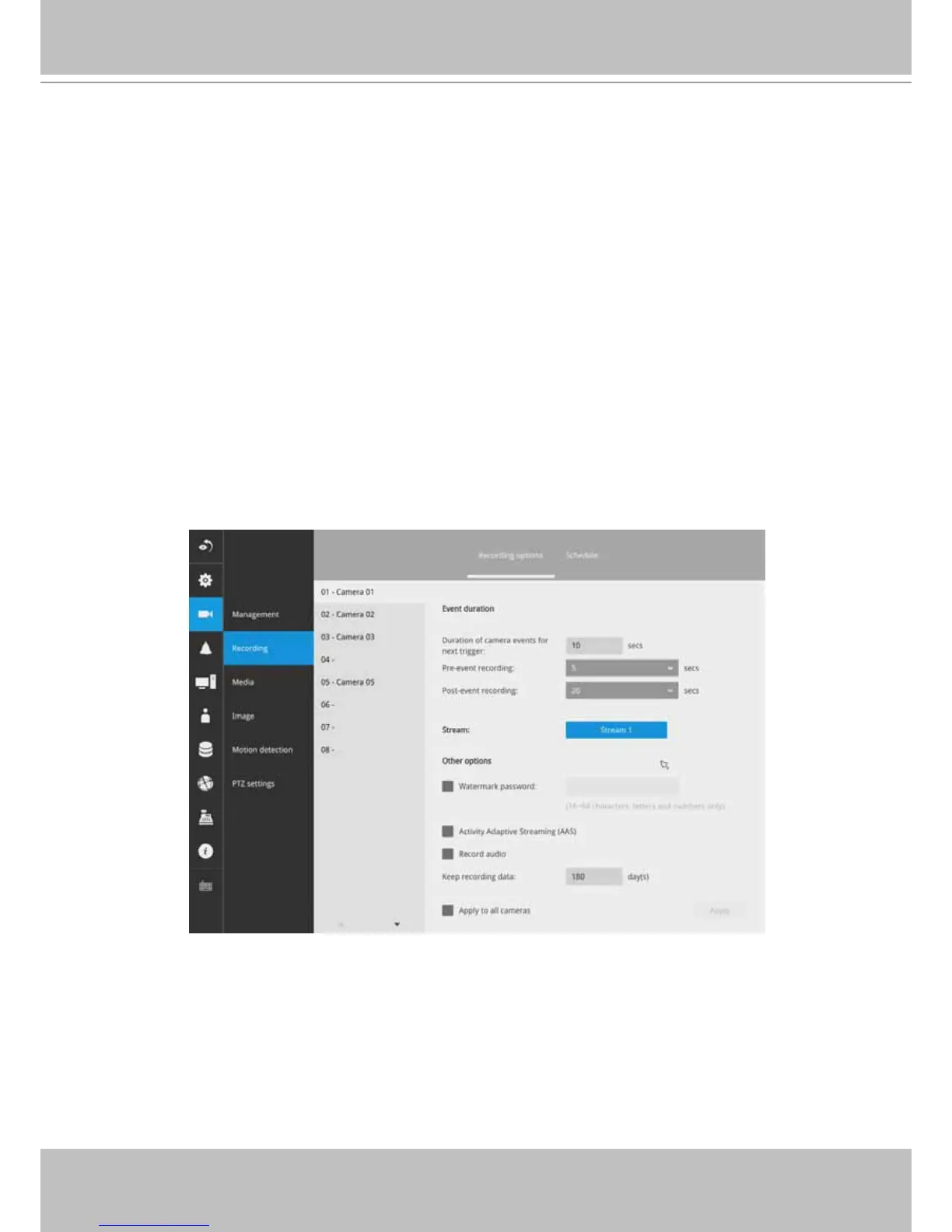
5. Enable the Activity Adaptive Streaming feature. This feature records the I-frames
only when there are no activities detected. When activities or alarm are triggered,
the camera raises the recording stream to the full frame rate. This feature can
save tremendous amount of bandwidth.
6. Enable or disable audio recording. Note that audio transmission through HDMI
cable is now available.
6. Change the life expectancy of the recording data. Default is 180 days. The
minimum is one day. The maximum is 999 days.
When disk is becoming full or when the recored video reaches the preset days
of preservation, recycle will take place. The recording for the oldest day will be
deleted.
Note that your recording task will temporarily stop until server and cameras re-
make the connection after you change your recording settings.
7. You can apply a typical conguration to all cameras using the Apply to all cameras
checkbox.
Note that the max. stream resolution is 8 megapixel.



 To Next Page