VIVOTEK - Built with Reliability
86 - User's Manual
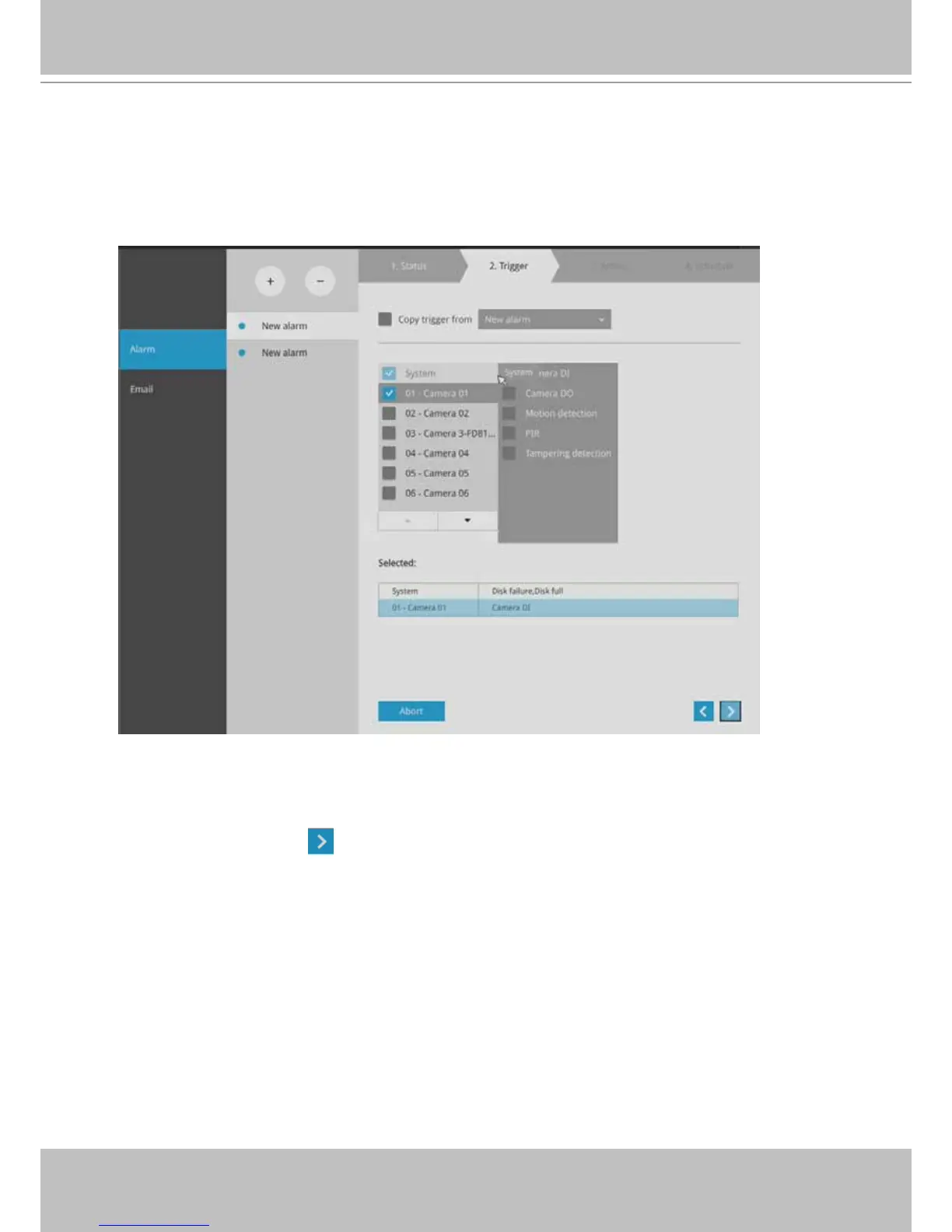
3. On the Trigger window, select system triggering conditions, or one or more cameras by
selecting their checkboxes. The number of DI or DOs on each camera is automatically
detected and displayed through individual checkboxes. The Motion detection function, if
there are many detection windows congured on a camera, is all triggered by one checkbox.
Note that the triggering sources will be listed even if the camera is currently not connected.
You may also select the "Copy trigger from" menu to borrow the setting you previously
congured.
Click on the next button
to proceed.
NOTE: Camera connection status is polled every 10 seconds. The time span for detecting a
camera disconnection can be as long as 10 seconds.



 To Next Page