VIVOTEK - Built with Reliability
128 - User's Manual
On this window, you can perform 3 maintenance tasks:
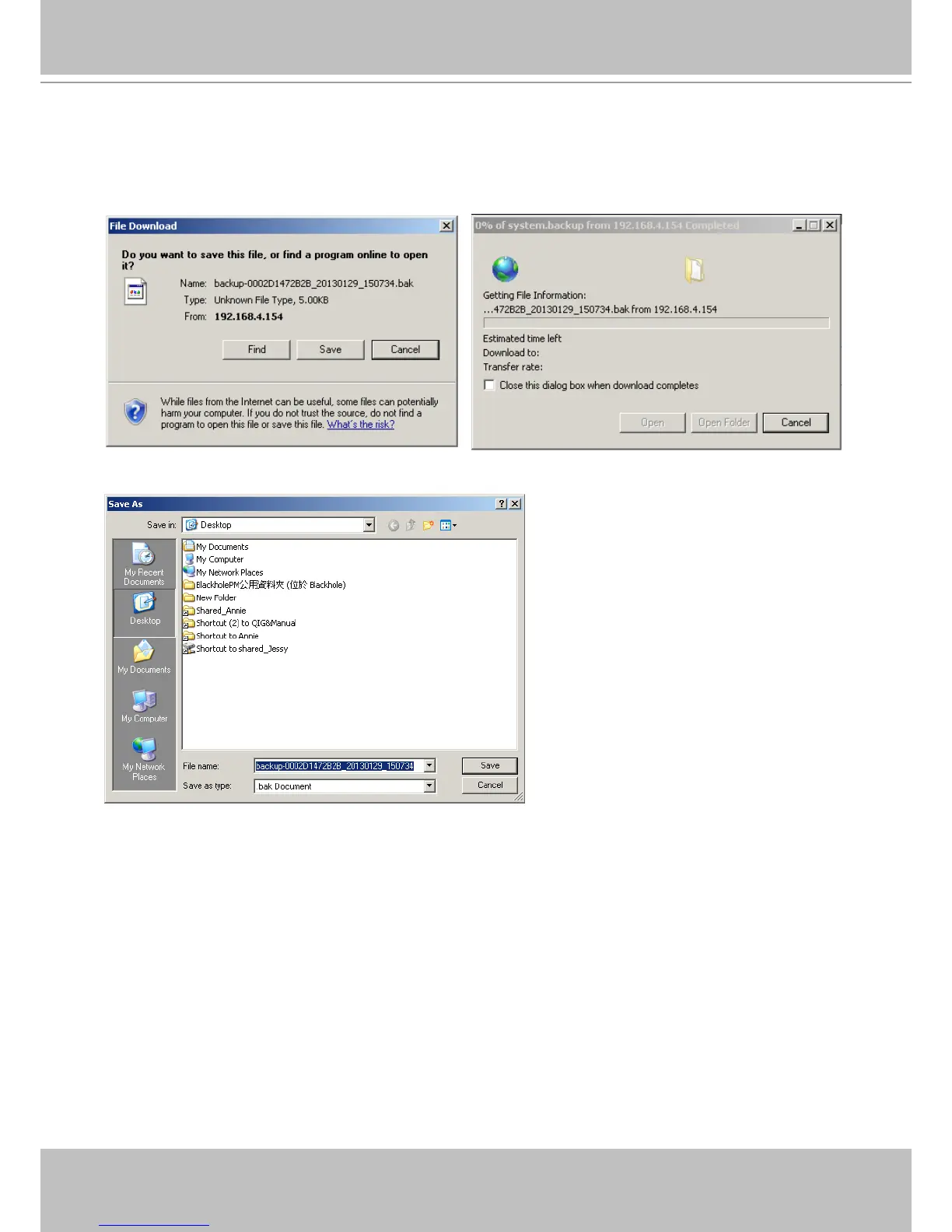
1. Backup - You can backup your system conguration using the Backup function. Click
Backup, a message window will prompt. Click Save to preserve your system congurations.
5-1-3. System - Backup
Select a location for your backup le, then click Save to complete the process.
Note that the backup action does not involve the following:
1. Recorded videos and database,
2. Alarm records, bookmarks, and bookmarked footages.



 To Next Page