VIVOTEK - Built with Reliability
146 - User's Manual
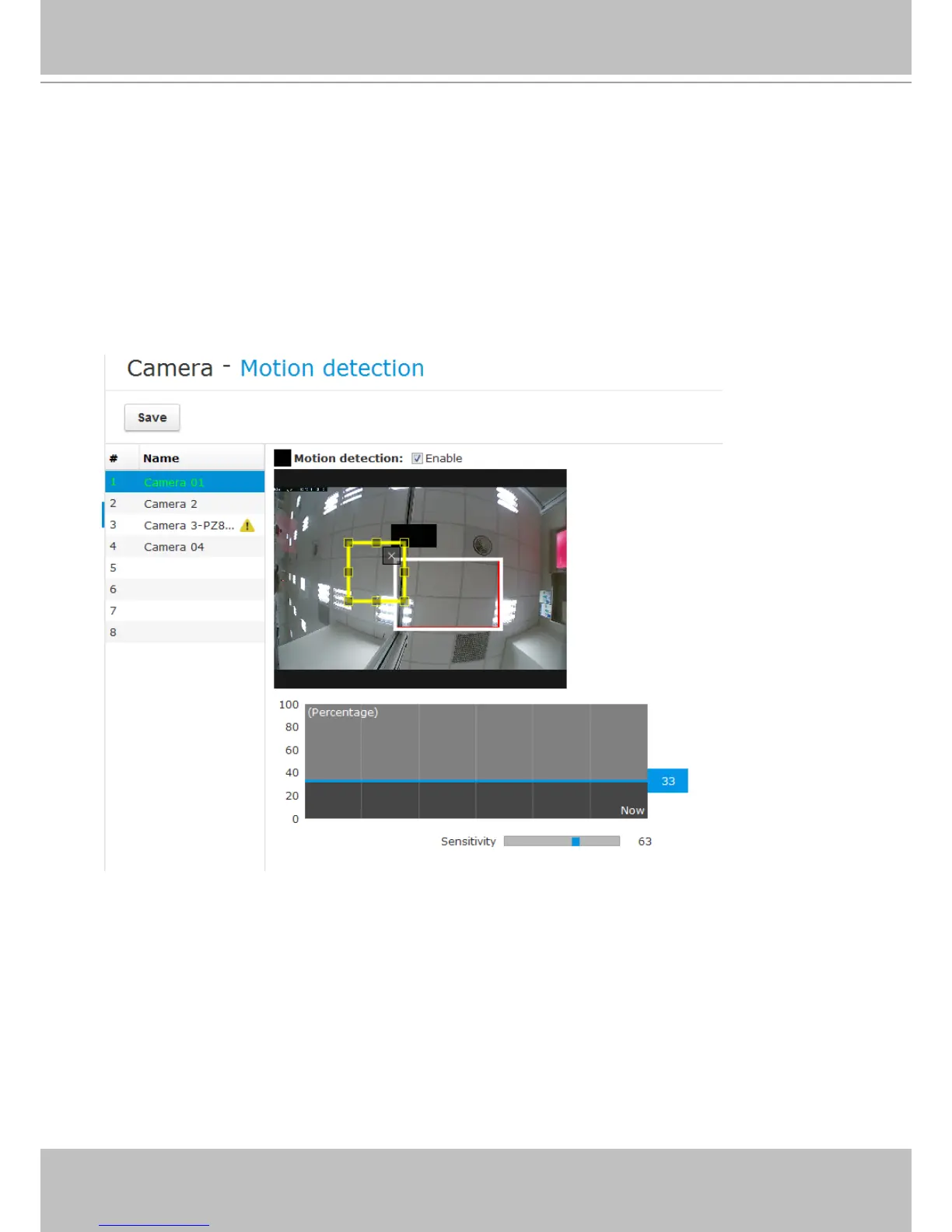
To congure the motion detection,
1. Select a camera from the list using a single mouse click,
2. Use mouse clicks and drag to draw a square to cover an area of your interest.
3. In a graph below, raise the Detecting area bar (blue), to a percentage you prefer. A moving
object can only trigger an alarm when it is larger than the preset percentage of the detection
area. If set a very low level, any activities can trigger an alarm.
4. Select the Sensitivity on the slide bar.
5. Click Save to perserve your conguration.
5-3-3. Camera - Motion detection



 To Next Page