VIVOTEK - Built with Reliability
162 - User's Manual
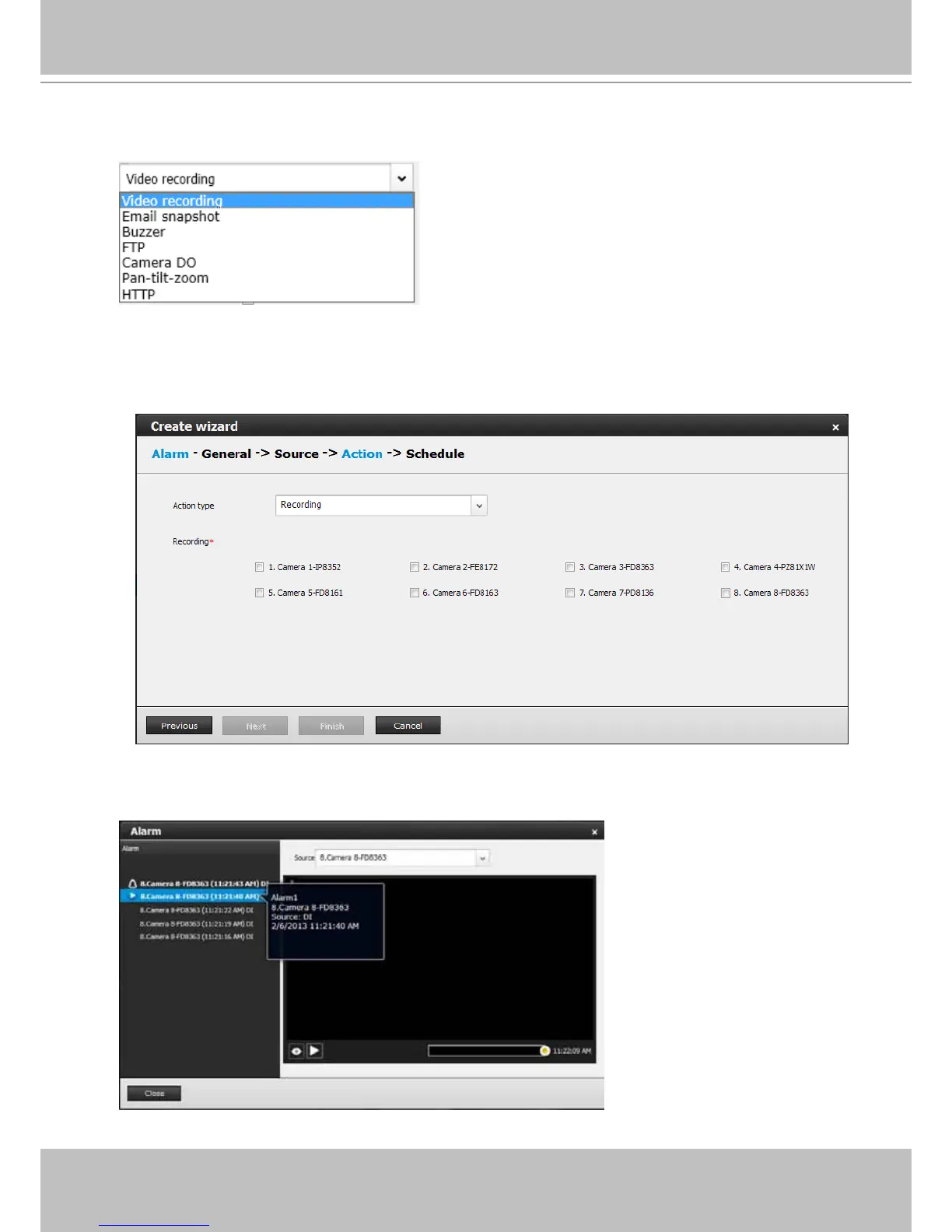
4. On the Action window, you can select the Action type from a drop-down menu. The
conguration details of each action type is discussion below.
4-1. Recording - When an event is triggered, the selected camera will record a video footage
of the length dened by the pre-/post-event setting, to the NVR system. See below for an
Alarm window.
Once an alarm is triggered, it is listed on the Alarm panel on the Liveview window. See page
113 for details about the functions of alarm panel and the alarm playback function.



 To Next Page