VIVOTEK - Built with Reliability
User's Manual - 17
Initial Conguration - via a Local Console
4
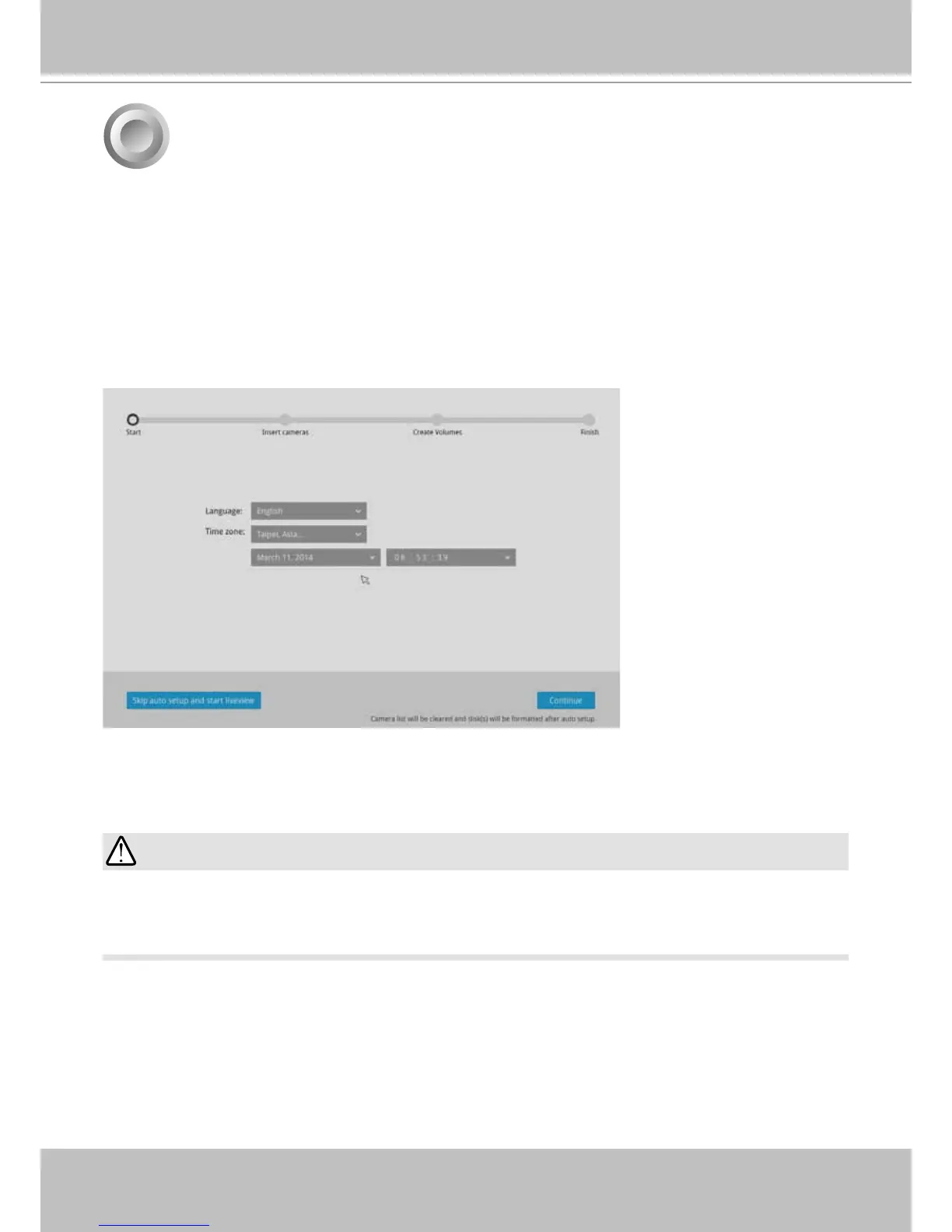
Follow the onscreen messages to complete the initial conguration:
1. Select the UI language, Time zone, and current date and time. Click on the Contunue button
to proceed.
A local console requires the following:
1. A monitor is connected via an HDMI or VGA cable.
2. A mouse and/or a keyboard are connected to the system.
3. It is presumed that the system has not been congured yet.
Except in the initial setup, changing system time can produce disruptions to the existing
recordings. Turning the current system time back to a time when video recording was taking
place can generate duplicate les. And those les may not be playable.
IMPORTANT:



 To Next Page