VIVOTEK - Built with Reliability
20 - User's Manual
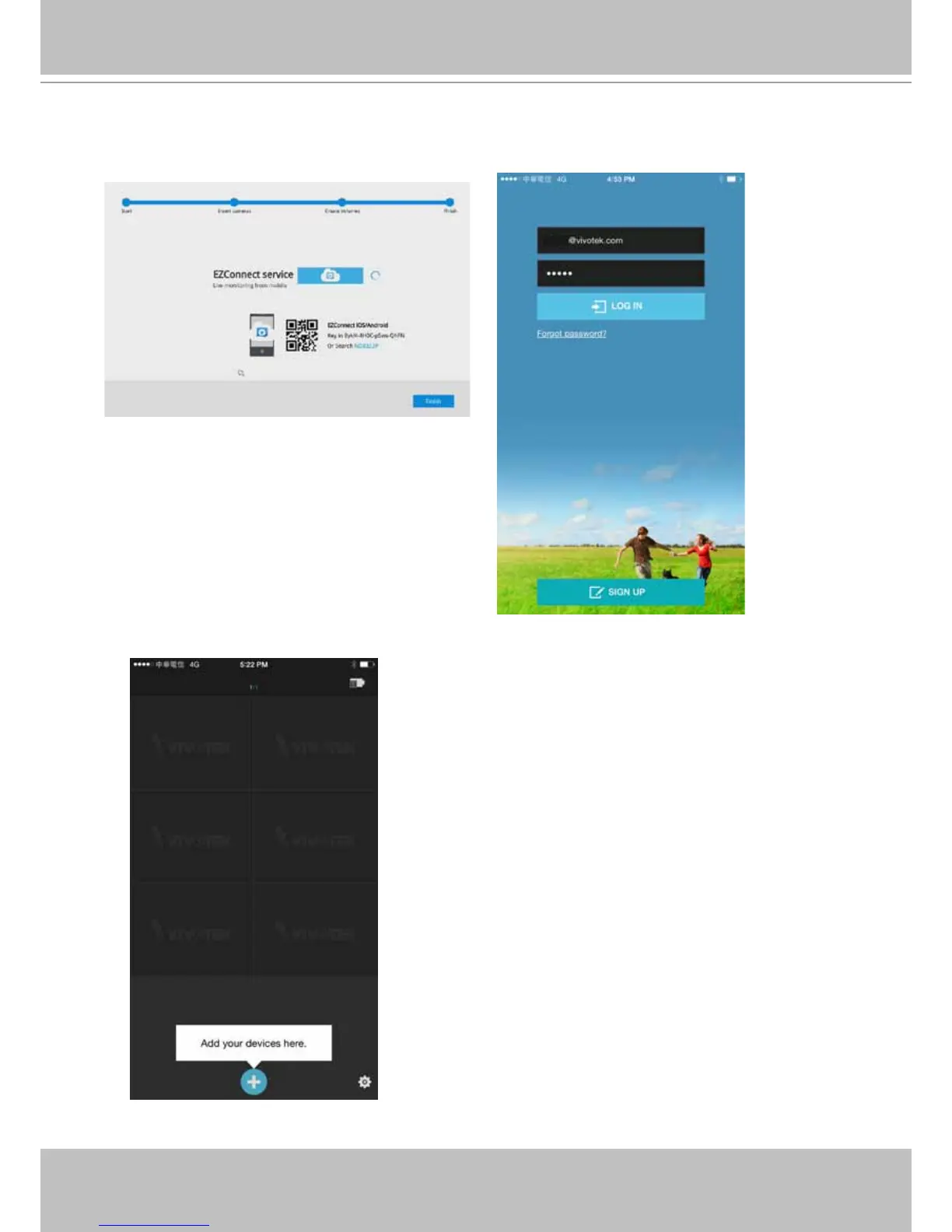
5-2. The QR code will be generated.
5-3. Open the utility from your cell phone. If you already registered an account, tap LOG IN. If
not, tap SIGN UP to register an account from a VIVOTEK server.
User
5-4. You can be defaulted to the Live view page. Tap the Add button below to add devices.



 To Next Page