VIVOTEK - Built with Reliability
User's Manual - 31
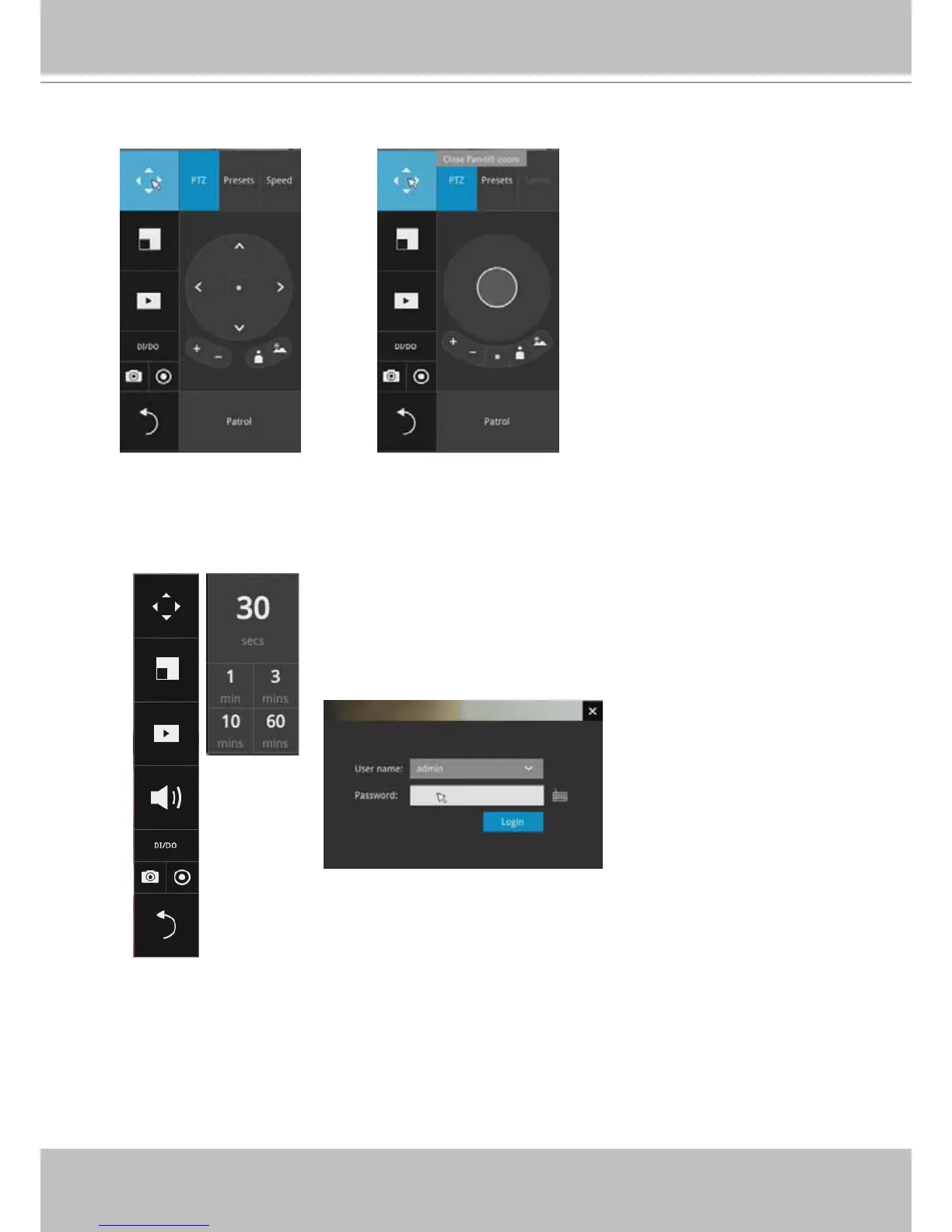
PTZ control panel for ordinary
PTZ type
PTZ control panel for joystick type PTZ
3. How to retrieve and access recorded videos?
3-1. One is to access the video clips taken within 2 hours. Left-click to select a view cell, and
then click on the Recording clips button.
Select a time value by a single click. You will be prompted for User
name and Password, enter admin and admin (the default user
name and password), and then click Login.



 To Next Page