VIVOTEK - Built with Reliability
User's Manual - 41
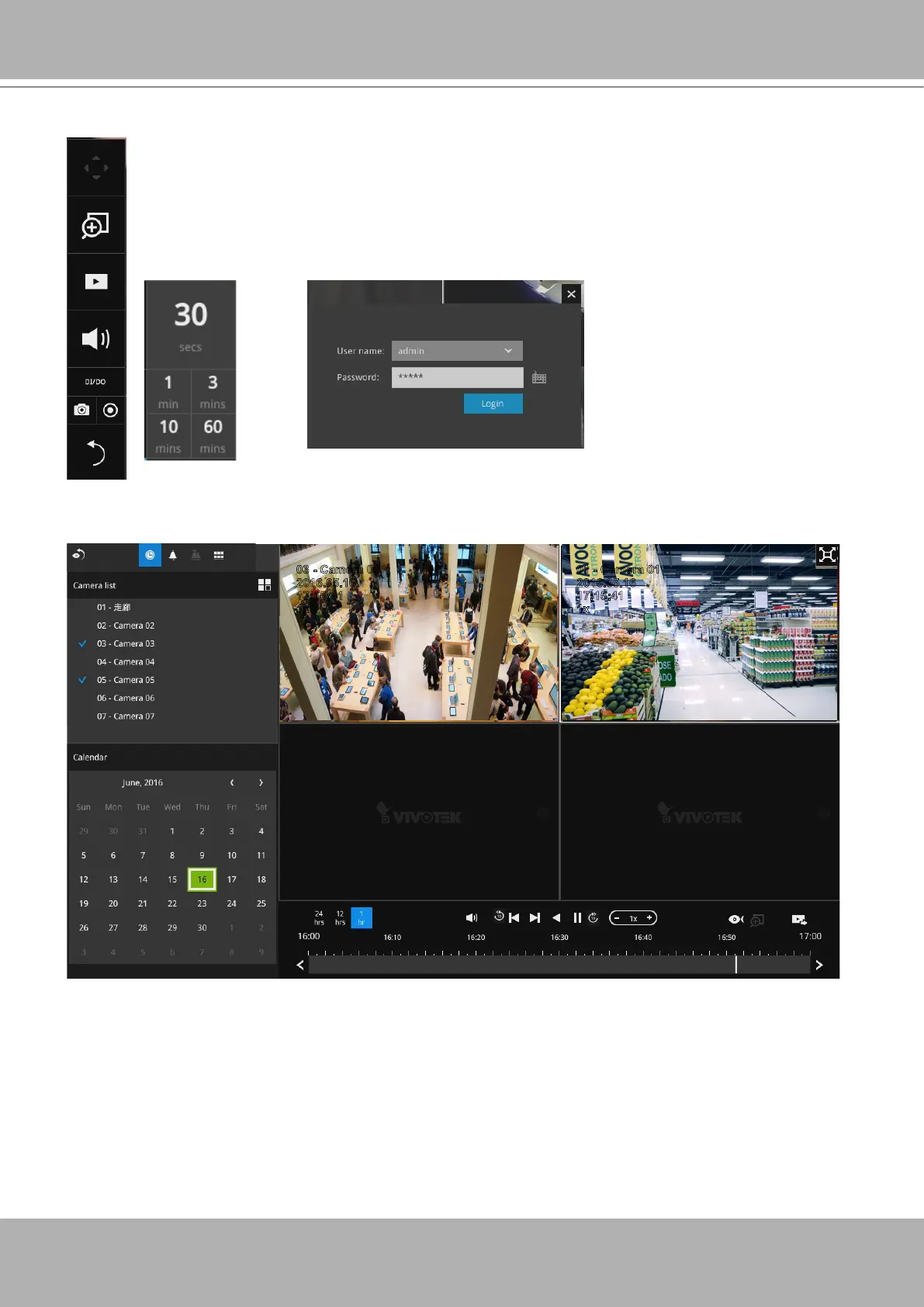
2-2-3. Play Recording Clips Panel
The Play Recording Clips function provides a shortcut to the latest recordings
on the system. You can select 30 secs, 1 min, 3 mins, 10 mins, and 60 mins
for an immediate playback.
For security reasons, using this function requires users to enter his/her
credentials.
10:32:56
2015.09.22 1x
2016.05.16
03 - Camera 03
17:15:41
1x
2016.05.16
01 - Camera 01
17:15:41
1x
The
Playback
window will prompt, and a playback begins from the point in time you selected,
e.g., 30 seconds ago. This function allows you to quickly review what has just happened.



 To Next Page